Affiliate disclosure: As an Amazon Associate I earn from qualifying purchases. Shopping buttons open Amazon.com searches; check the exact item and regional delivery before buying.
Planning beyond this corner of the room? Plan your complete home office.
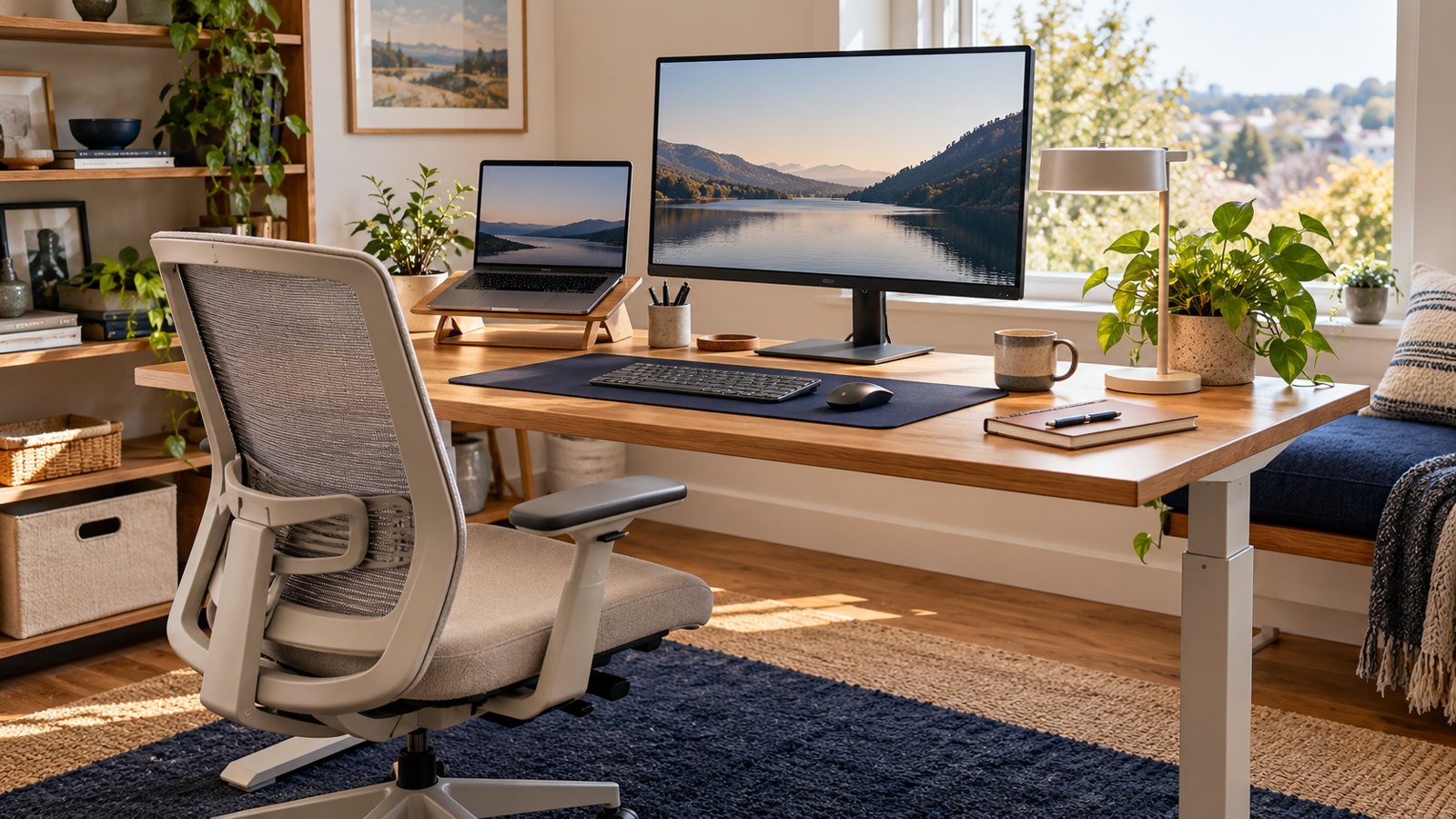
Prepared with AI assistance. Practical examples are illustrative, not hands-on test results. Product specs come from manufacturer pages and the reviews credited below; check the exact model before buying. The featured image is an AI-generated editorial illustration of generic equipment, not an exact branded product photograph.
Quick answer: Prioritize a correctly sized work surface, adjustable screen height, supportive seating and vertical storage before buying decorative accessories.
A small office works when each item supports posture, access or focus and can be reset quickly at the end of the day.
What matters most
- Measure before buying
- Use vertical space
- Keep the work zone visually simple
- Protect movement and ventilation
A practical step-by-step approach
1. Measure the area
Record width, depth, outlets, doors and chair movement.
2. Set the ergonomic anchor
Set chair, keyboard and monitor positions before accessories.
3. Add vertical storage
Use shelves or wall organization without overcrowding the desk.
4. Control cables
Route power safely and keep frequently moved cables accessible.
5. Improve light and sound
Place the screen perpendicular to glare and add a focused task light.
Try it in practice
Measure the usable space
Measure the desk depth with the keyboard and mouse in place, not just the empty tabletop. Check chair movement, legroom, screen distance and where cables will run. Try the layout with existing equipment before buying a larger monitor or desk.
Illustrative exercise, not a measured test result.
What to check before you decide
Compare setups by footprint, adjustability, storage, cable path, lighting and ease of returning the room to normal use.
- Correct dimensions
- Adjustable posture
- Clear floor space
- Useful lighting
- Easy reset
Common mistakes to avoid
- Buying an oversized desk
- Using a laptop flat all day
- Blocking walkways
- Adding storage before reducing clutter
A question worth asking
What should I buy first?
Address the specific problem that disrupts work: poor support, unreadable display, cramped input space or unclear calls. A coordinated shopping list is not a substitute for a fit check.
Three layouts that work in small rooms
| Layout | How it works | Best for |
|---|---|---|
| Wall desk | A narrow wall-mounted or fold-down desk, with storage on shelves above | Bedrooms and hallways where floor space is tight |
| Corner desk | An L-shaped or corner unit that uses dead space in a room corner | Two screens, or a laptop plus a work surface |
| Pack-away desk | A table you clear at the end of the day using a stand, a compact keyboard and a cable pouch | Living rooms and shared spaces |
The pack-away approach is often the most practical in shared homes. Our pack-away home office guide shows the full setup and shutdown routine.
Measure before you buy
- Desk depth: about 24 inches (60 cm) fits a laptop plus an external keyboard. A monitor on the desk is more comfortable at 28 to 30 inches; a monitor arm lets you get away with less.
- Desk width: about 40 inches (100 cm) is a comfortable minimum for one screen, a keyboard and a mouse.
- Chair clearance: leave roughly 36 inches (90 cm) behind the desk so you can pull the chair out and stand up easily.
- Light and power: note where the window and sockets are before choosing a wall. Sitting with a window behind you makes video calls harder.
Space-saving picks
| Item | Why it saves space |
|---|---|
| Monitor arm | Lifts the screen off the desk so the whole surface is usable, and swings away when you are done |
| Laptop stand | Raises the laptop to eye level and stores flat. See our Twelve South Curve guide |
| Compact keyboard (e.g. Logitech MX Keys Mini) | Leaves more room for the mouse and paperwork |
| Monitor light bar | Lights the desk without a lamp base taking up space |
| Under-desk drawer or wall shelves | Keeps cables, notebooks and chargers off the work surface |
Monitor arms on Amazon Logitech MX Keys Mini Fold-down wall desks
Also useful: BenQ ScreenBar and an under-desk drawer.
Frequently asked questions
What is the smallest desk that works for a home office?
About 40 x 24 inches (100 x 60 cm) is a practical minimum for a laptop, an external keyboard and a mouse. Add a monitor arm if you want a screen on a shallow desk.
Can I work from a laptop alone in a small space?
Yes, but raise the screen and use a separate keyboard and mouse. Working hunched over a laptop for hours is the most common cause of desk discomfort.
How do I hide a home office in a living room?
Use a pack-away setup: a stand, a compact keyboard and a cable pouch that go into a drawer or box at the end of the day.
Does a standing desk work in a small room?
Yes, if you choose a compact frame. Check the minimum desktop size and leave clearance for the desk to move without hitting shelves or windowsills.
Your next step
Design from posture and movement outward. A compact setup can feel generous when the work surface stays clear and every object earns its place.
Further reading
For additional guidance and context, consult OSHA: computer workstation guidance. Check how the guidance applies to your organisation, country and specific task.