Affiliate disclosure: As an Amazon Associate, FitOnear earns from qualifying purchases. Shopping links below open Amazon.com searches. Check the exact model, seller, delivery and return terms.
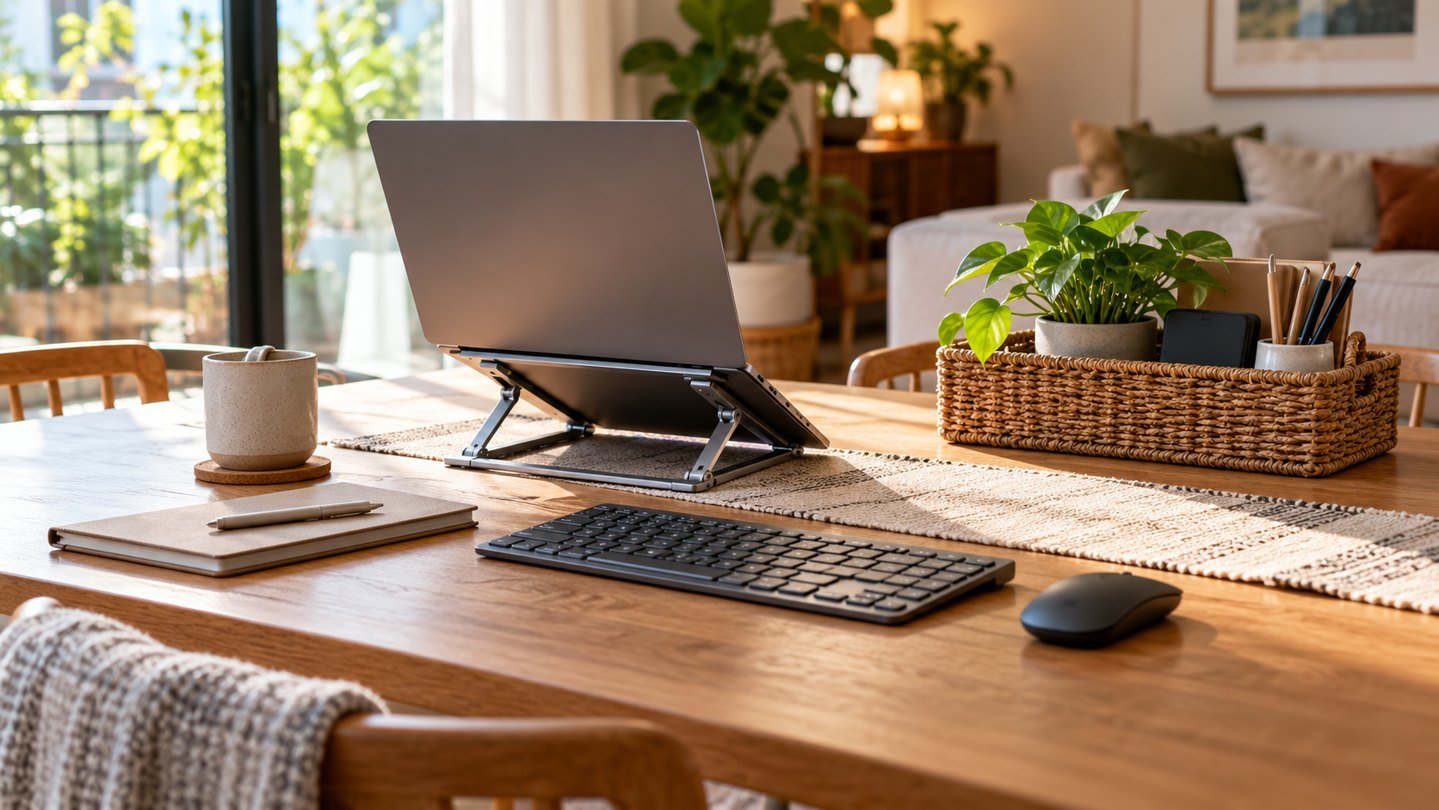
Research-based guide prepared September 25, 2026 with AI assistance. It is not a hands-on product test. The featured image is an AI-generated editorial illustration of generic equipment, not a product photograph.
When your dining table is also your desk, the end of work includes putting the room back together. A useful setup must be comfortable enough to work at and simple enough to store. The best starting point is the smallest set of equipment that supports your normal tasks.
Design the packing routine first
Choose one place where the equipment lives after work. Measure it before buying a stand or keyboard. If an accessory needs a second cupboard or a complicated cable arrangement, decide whether its daily benefit justifies that friction.
Rehearse the routine with what you already own: disconnect, coil loosely, store and clear the surface. Time yourself only as a personal baseline, not a productivity score. The goal is a routine you will repeat on a tired evening.
Separate screen position from typing position
Raising a laptop can improve the available screen position, but it also raises the built-in keyboard. For extended typing, consider a separate keyboard and pointing device so the screen and hands can be arranged independently. Check the overall workstation rather than assuming a stand alone solves everything.
OSHA's workstation guidance emphasises the relationship among the monitor, keyboard, desk and chair. Use its checklist to review your arrangement. Comfort is individual; change position regularly and avoid treating any product as a medical solution.
A compact equipment plan
| Item | Reason to include it | Reason to skip it |
|---|---|---|
| Separate keyboard | Flexible hand placement | Very short sessions only |
| Mouse or trackball | Preferred pointer control | Existing trackpad suits you |
| Small hub | Required connections | Laptop already has enough ports |
| Cable pouch | One place for the daily kit | A drawer already works |
| Portable display | Repeated two-window task | Adds more setup than value |
Test a stand beyond the product photo
Check load support, ventilation clearance and how firmly it holds the laptop at the angle you intend to use. Type on the separate keyboard and use the trackpad or mouse as normal. Make sure cables do not pull the laptop or interfere with folding.
A fixed stand such as the Twelve South Curve serves a different storage pattern from a folding stand. It can suit a permanent desk but may be awkward in a small daily packing box. Choose for your storage space rather than the appearance of a staged workstation.
Avoid buying a hub for imaginary devices
List the connections you use every day. If that list is only a charger and a mouse receiver, a large dock may add clutter. If you need display, storage and network connections, make a port map and check the host's capabilities before buying.
Keep the appropriate cable attached to the accessory when that is safe and practical. Label visually similar cables by their purpose so a charging-only cable is not accidentally packed for a display.
Use a short shutdown checklist
Save the current work and confirm that any required backup or sync has completed. Eject removable storage using your system's guidance before disconnecting it. Unplug accessories without pulling on cables, then store the equipment so heavy objects do not press against screens.
Leave a brief note about the next task. A clear starting point can make the next morning easier without requiring an elaborate productivity app. You can use a notebook or a local text file; choose the option you already check.
Run a five-day trial
For one working week, record only the moments that annoy you: a wobbling stand, a cable you keep forgetting or a keyboard that does not fit the storage space. Fix the most frequent issue first. Resist adding accessories until the basic routine feels dependable.
A workspace that clears neatly has value even if it is less visually impressive than a permanent studio. It respects the other uses of your room and makes the working setup easier to maintain.
Common questions
Is a folding stand always better than a fixed stand?
No. Folding is useful when storage and travel matter. Stability, fit and your normal working arrangement still decide the choice.
Can I use the raised laptop keyboard all day?
Check your posture and comfort; a separate keyboard gives more freedom to position the screen and hands independently.
How many accessories should I start with?
Start with the equipment required for your real work, then add only what fixes a recurring problem documented during the trial.
Explore suitable equipment
These are options to investigate, not a ranked list of tested winners. Specifications, compatibility and availability can change. For readers outside the US, compare local delivery, warranty and total cost.
- Search Amazon.com for foldable adjustable laptop stand
- Search Amazon.com for compact wireless keyboard
- Search Amazon.com for cable organizer pouch
Keep building your setup
- Home office setup small spaces
- Twelve south curve laptop stand guide
- Anker 555 usb c hub compatibility guide
- Portable Monitor for Travel: Is the Extra Screen Worth Carrying?
- Video Interview Setup: A Calm 30-Minute Tech Rehearsal