Affiliate disclosure: As an Amazon Associate I earn from qualifying purchases. Shopping buttons open Amazon.com searches; check the exact item and regional delivery before buying.
Choosing a screen is one part of the workspace. Plan the rest of your home office.
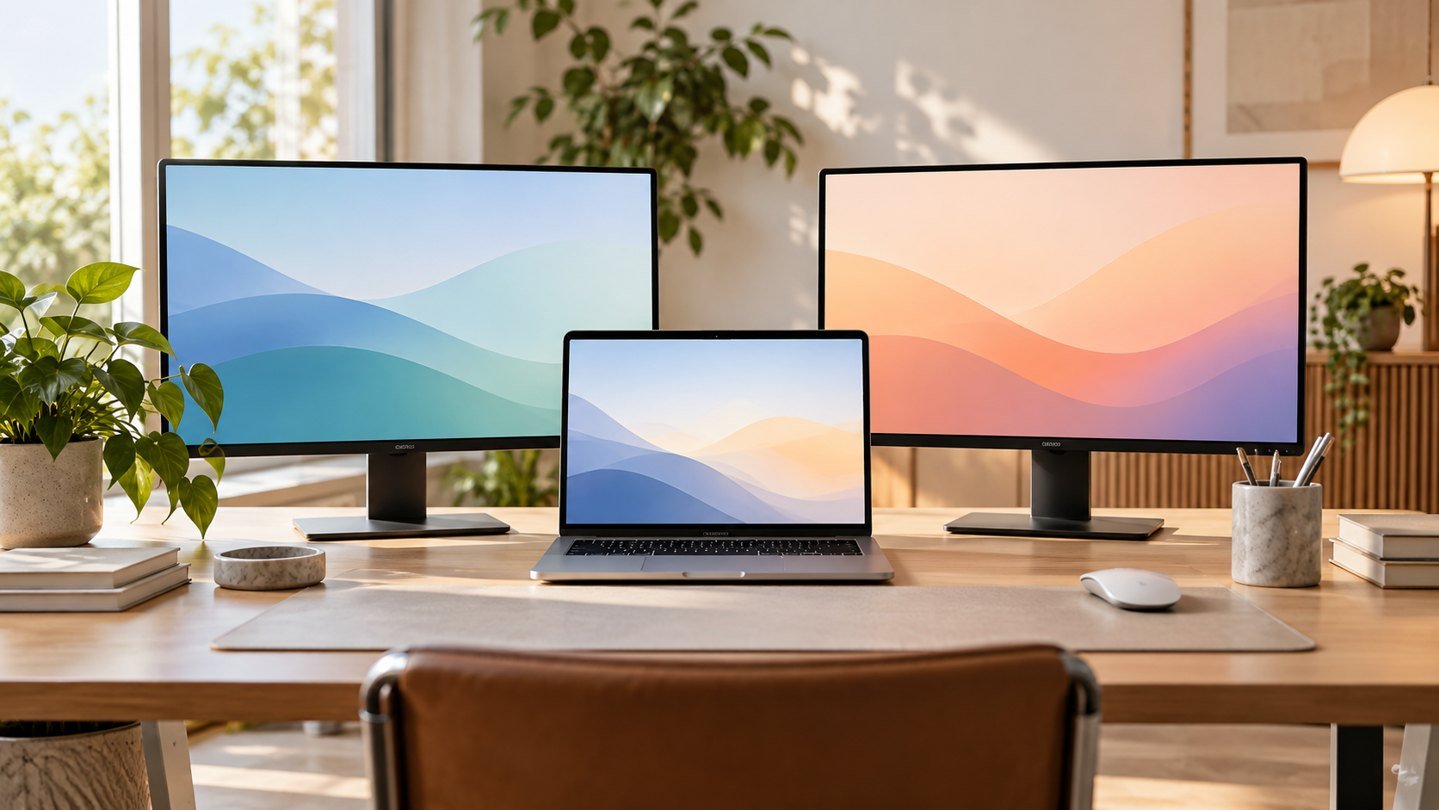
Prepared with AI assistance. Practical examples are illustrative, not hands-on test results. Product specs come from manufacturer pages and the reviews credited below; check the exact model before buying. The featured image is an AI-generated editorial illustration of generic equipment, not an exact branded product photograph.
Quick answer: For most office work, a 27-inch 1440p IPS display with height adjustment and the right laptop connection offers the best balance of clarity and cost.
Refresh rate and dramatic specifications receive attention, but office comfort depends more on text clarity, physical positioning and reliable connectivity.
What matters most
- Match size to viewing distance
- Prioritize text clarity
- Check laptop charging needs
- Use an adjustable stand or arm
A practical step-by-step approach
1. Measure desk depth
Ensure the screen can sit roughly an arm’s length away.
2. Choose size and resolution
Balance workspace with readable scaling on your operating system.
3. Check panel and brightness
IPS is a dependable general choice; extreme brightness is rarely necessary indoors.
4. Confirm ports
Verify USB-C power delivery, HDMI or DisplayPort requirements.
5. Plan positioning
Position the top of the screen near eye level and control glare.
Try it in practice
Test readable text at your distance
Compare a normal spreadsheet, document and video call at the scaling you will actually use. Confirm the laptop’s supported outputs and the monitor’s input ports. Plan the stand footprint before deciding that a larger panel will improve your workspace.
Illustrative exercise, not a measured test result.
What to check before you decide
Compare monitors by pixel density, panel, stand adjustment, ports, power delivery, warranty and measured ergonomics.
- Readable text
- Correct size
- Laptop compatibility
- Height adjustment
- Solid warranty
Common mistakes to avoid
- Buying by diagonal size alone
- Ignoring stand height
- Assuming every USB-C port charges
- Using a large screen too close
A question worth asking
Does higher resolution always make work easier?
Only if text size, scaling, connection support and viewing distance work for you. Evaluate the real applications you use, not just a demonstration image.
Size and resolution cheat sheet
| Size and resolution | Sharpness (pixels per inch) | Best for |
|---|---|---|
| 24-inch 1080p | About 92 PPI | Small desks and tight budgets. Text is fine but not crisp. |
| 27-inch 1440p | About 109 PPI | The sweet spot for most office work: more room than 1080p at a fair price. |
| 27-inch 4K | About 163 PPI | The sharpest text, especially on Macs and for long reading or writing days. |
| 32-inch 4K | About 140 PPI | Big spreadsheets and side-by-side windows. Needs a deeper desk. |
| 34-inch ultrawide (3440 x 1440) | About 110 PPI | Two full windows side by side on one screen, replacing a dual-monitor setup. |
Higher sharpness matters most if you read and write all day. If you mostly work in one app at a time, a 27-inch 1440p screen is hard to beat.
USB-C: one cable for power, video and accessories
A USB-C monitor can charge your laptop, carry the video signal and connect your keyboard, mouse and webcam through one cable. Check three things first:
- Power delivery (watts): the monitor should supply at least what your laptop’s charger provides. Many thin laptops use 65W; larger ones may need 90 to 140W.
- Video over USB-C: your laptop’s port must support DisplayPort Alt Mode or Thunderbolt. Not every USB-C port does.
- Two screens? Some laptops, including many base-model MacBooks, limit how many external displays they drive. Read our MacBook two-monitor guide before buying a second screen.
If the screen stays blank, our USB-C monitor troubleshooting checklist walks through the usual causes.
Monitors worth shortlisting in 2026
| Monitor | Screen | USB-C power | Best for |
|---|---|---|---|
| BenQ GW2486TC | 23.8-inch 1080p | Up to 60W | Budget and small desks |
| Dell P2724DEB | 27-inch 1440p | Up to 90W | Video calls: built-in webcam, mics and speakers |
| ASUS ProArt PA279CRV | 27-inch 4K | Up to 96W | Sharp text at a 27-inch size |
| BenQ RD280U | 28.2-inch 3:2 (3840 x 2560) | Up to 90W | Coding and long documents |
| Dell UltraSharp U3425WE | 34-inch ultrawide | Up to 90W (Thunderbolt 4) | Replacing two monitors with one |
| Dell UltraSharp U3225QE | 31.5-inch 4K | Up to 140W (Thunderbolt 4) | A big 4K screen that doubles as a laptop dock |
See BenQ GW2486TC See Dell P2724DEB See ASUS ProArt PA279CRV
Pair any of these with a monitor arm to get the height right and free up desk space.
Frequently asked questions
Is a 27-inch 1440p monitor good enough for office work?
Yes. For most people it is the best balance of screen space, sharpness and price. Choose 4K if you read small text for hours or use a Mac.
Is a 4K monitor worth it for office work?
It is worth it if text sharpness matters to you. At 27 inches, 4K looks noticeably crisper than 1440p, but you will usually use scaling, so you do not get more workspace.
One big monitor or two smaller ones?
An ultrawide gives you two windows side by side with no gap in the middle. Two monitors cost less and let you angle one screen for reference material. Both work well.
How far away should my monitor be?
About an arm’s length, with the top of the screen at or slightly below eye level. Larger screens can sit a little further back.
What does USB-C power delivery wattage mean?
It is how much power the monitor can send to your laptop through the cable. Match or beat the wattage of your laptop’s original charger.
Monitor picks and USB-C wattages from ThunderboltLaptop’s Best Monitors for Home Office in 2026 (July 2026), using the manufacturers’ listed maximums. Your laptop must support the same video and power modes.
Your next step
Choose the display that fits your desk and computer first. Good positioning and clear text create more daily value than specifications designed mainly for gaming.
Further reading
For additional guidance and context, consult OSHA: computer workstation guidance. Check how the guidance applies to your organisation, country and specific task.