Webcam Flickering? Fix Lighting Bands Before Buying Another Camera
Troubleshoot webcam flicker with lighting isolation, anti-flicker settings, exposure checks, and an app comparison before replacing your camera.
Read guide →
Troubleshoot webcam flicker with lighting isolation, anti-flicker settings, exposure checks, and an app comparison before replacing your camera.
Read guide →
Check portable monitor power, video support and cable compatibility before relying on a one-cable setup or buying a new charger.
Read guide →
Run a small, non-destructive restore drill to check backup access, file integrity and recovery steps before a real failure.
Read guide →
Build a compact home office you can pack away: choose a stable stand, a useful keyboard, a cable pouch and a repeatable shutdown routine.
Read guide →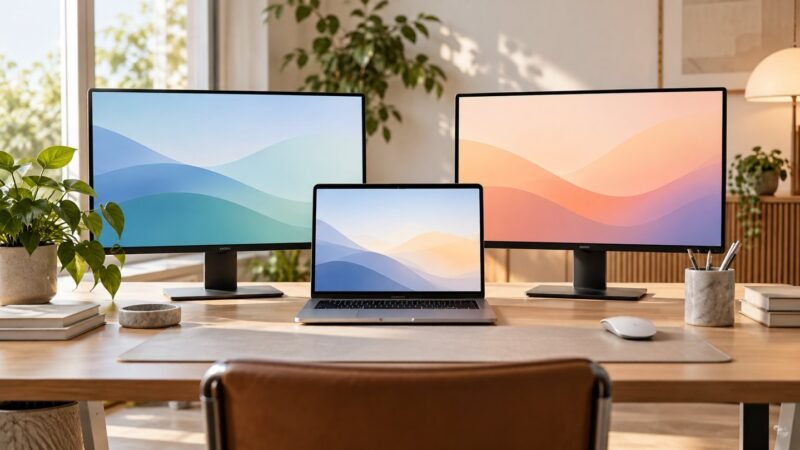
Plan a two-monitor MacBook setup by checking the exact model, display limits, dock technology and open-lid requirements before buying.
Read guide →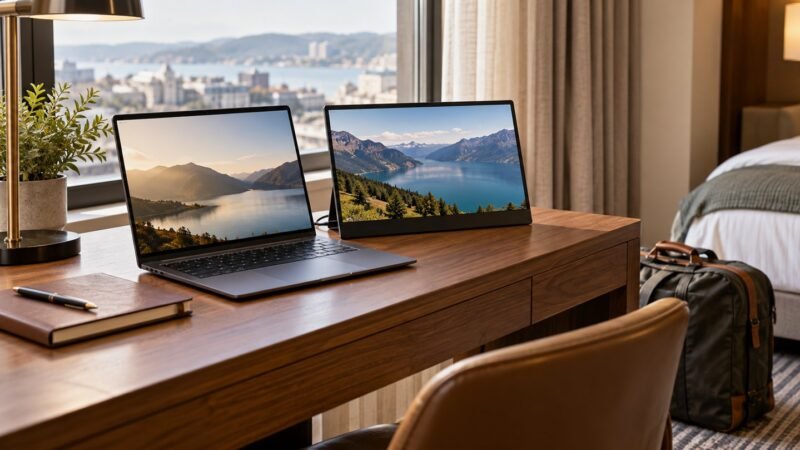
Decide whether a portable monitor suits hotel desks and travel work. Check the stand, cables, power needs and tasks that justify the weight.
Read guide →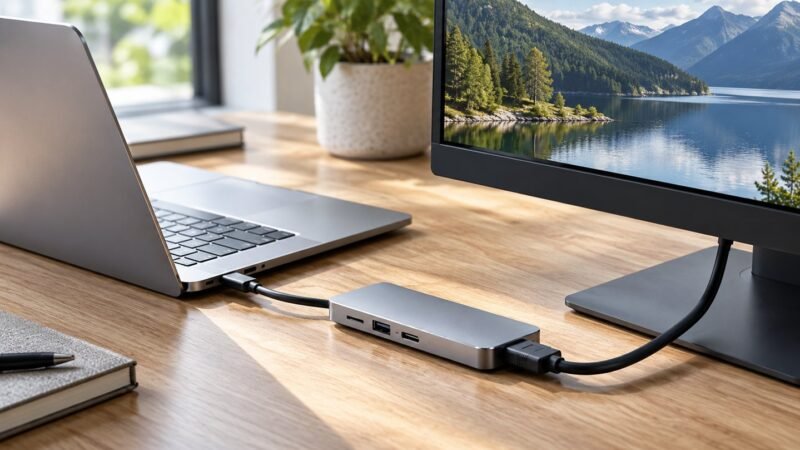
Troubleshoot a blank USB-C monitor by checking the port, cable, input, adapter and display mode before replacing your hub.
Read guide →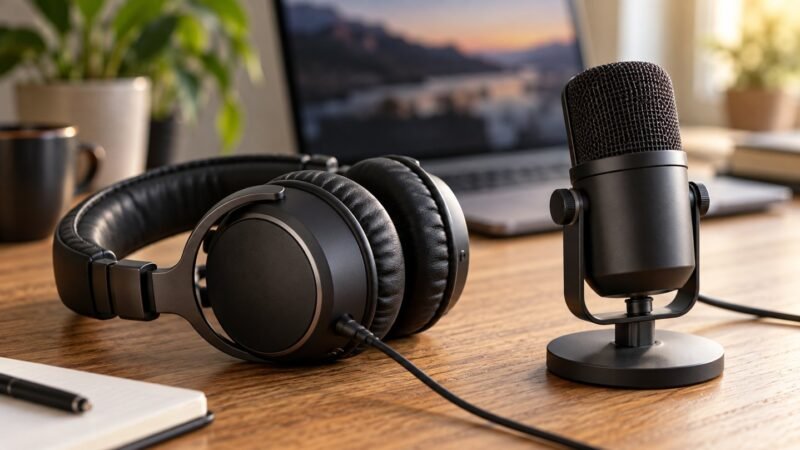
Choose a USB headset or desktop microphone for meetings, teaching and voiceovers, with a practical recording test and a clear buying checklist.
Read guide →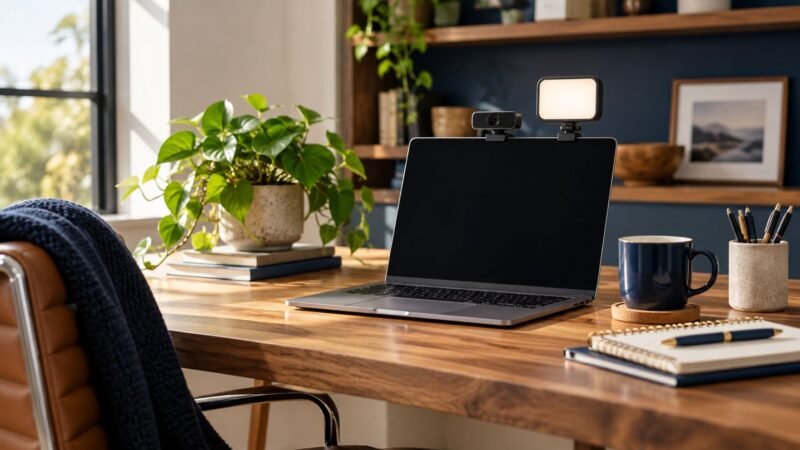
A practical video-call lighting setup: fix backlighting, glasses glare and evening calls, then decide whether an LED light is worth buying.
Read guide →Is the Jabra Evolve2 40 SE right for remote work? Check USB versions, meeting compatibility, comfort and the trade-offs before buying.
Read guide →