Affiliate disclosure: As an Amazon Associate I earn from qualifying purchases. Shopping buttons open Amazon.com searches; check the exact item and regional delivery before buying.
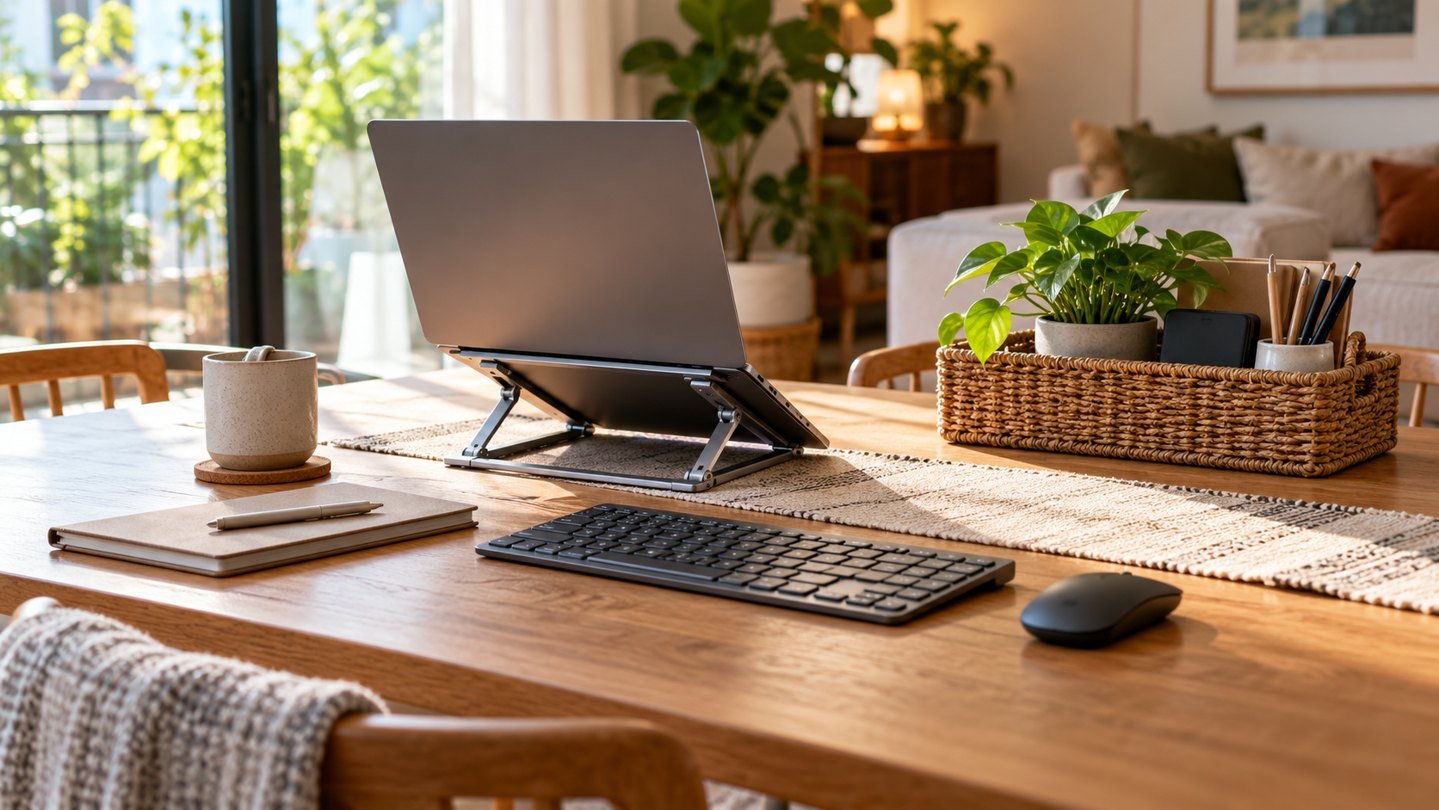
Prepared with AI assistance. Practical examples are illustrative, not hands-on test results. The featured image is an AI-generated editorial illustration of generic equipment, not an exact branded product photograph.
Quick answer: The Twelve South Curve is a candidate for a permanent laptop desk setup where you use a separate keyboard and mouse. Decide whether a fixed stand puts your screen where you need it. If several people share the desk or you move workspaces often, compare adjustable or foldable designs first.
A laptop combines the screen and keyboard in one device. That is convenient for carrying it, but it limits how independently you can position those two parts at a desk. A stand changes the screen’s location; it does not automatically create a complete workstation.
This buying guide examines that wider setup rather than treating a stand as a cure-all. It is based on published product information and practical planning, not a hands-on stability test or medical advice.
What the Curve is designed to do
Twelve South presents the Curve laptop stand as a way to raise a laptop display and webcam and to pair a laptop with an external screen. Check the manufacturer’s dimensions and compatibility guidance for the exact Curve model you are considering.
The original Curve’s role is straightforward: it creates a dedicated place for the laptop on a desk. Related products with different names may offer different forms of adjustment or portability, so compare the full model title.
Budget for the whole arrangement
If raising the laptop moves its built-in keyboard out of a comfortable working position, you will need a separate keyboard and pointing device. Include those in the decision before buying the stand.
Also count the surface area those accessories occupy. A raised laptop, a full-size keyboard and a mouse can require more usable desk space than the laptop alone. The setup needs to work for the way you sit and the tasks you perform.
A stand makes most sense when it solves a positioning problem you already understand. It is less useful when it becomes the first purchase in an unplanned chain of additional accessories.
Fixed, adjustable or foldable?
| Stand style | Best question to ask |
|---|---|
| Fixed desktop stand | Does this position suit my normal desk setup? |
| Adjustable stand | Do I need to change height or share the desk? |
| Foldable travel stand | Will I pack it often enough to value portability? |
| Vertical storage stand | Am I using the laptop closed with an external display? |
These are different jobs. A vertical storage holder is not a substitute for a stand intended to display an open laptop. A travel design is not automatically the best choice for a desk that stays assembled all year.
FitOnear’s small-space home-office guide can help you decide how the stand fits with everything else.
Measure before ordering
Note your desk’s usable depth and width, including anything permanently attached or stored on it. Check the laptop’s dimensions and the proposed stand’s footprint. Consider whether the screen can open fully and whether cables have room to connect without bending awkwardly.
Think about where the webcam will point after the laptop is raised. Open a camera preview while trying a safe, stable temporary arrangement at a similar position. This is a positioning exercise, not a reason to balance expensive equipment on an unstable stack.
If an external monitor is involved, plan both displays together. A stand that looks ideal in isolation may place the laptop too far from the screen you use most.
What a stand does not solve
A stand does not replace a suitable chair, create missing desk depth or guarantee comfort. It also should not be purchased on the assumption of a particular cooling or performance improvement unless you have evidence for your exact setup.
Keep the buying goal concrete: a dedicated laptop position, a more suitable camera view or a cleaner arrangement alongside another display. Those are things you can assess without exaggerated claims.
For calls, also consider FitOnear’s webcam and lighting guide. Raising a camera can change framing, but it does not fix poor light placement.
How to check the setup after delivery
Place the stand on the surface where it will normally live and follow the setup instructions. Confirm that the laptop is properly supported and that cables do not pull it sideways. Add the external keyboard and mouse before judging the arrangement.
Use a normal work task: write a page, join a short call and refer to a document on the laptop display. Notice whether you keep repositioning the equipment. A successful setup should suit your routine without repeated adjustments you did not expect.
Frequently asked questions
Can I keep using the laptop’s own keyboard?
Consider the resulting position before planning long typing sessions. Many raised-screen desk setups make more sense with an external keyboard and mouse placed separately.
Is a fixed stand better than an adjustable one?
Only when its fixed position suits your needs. An adjustable design is worth comparing if users or working positions change.
Should I buy it for travel?
Compare packed size and setup effort with travel-focused alternatives. A stand designed to remain on a desk may not suit frequent packing.
The buying decision
Choose the Curve when you want a dedicated laptop position at a permanent desk and have planned the rest of the workspace. Choose another format when adjustment or portability is central. The right stand is the one that fits the arrangement you use every day.
Product information checked September 19, 2026. Specifications, versions and availability can change. Confirm the exact item, seller, delivery destination and return terms before ordering. For readers outside the United States, check shipping, regional compatibility and local warranty coverage.