Affiliate disclosure: As an Amazon Associate I earn from qualifying purchases. Shopping buttons open Amazon.com product pages or searches; check the exact item and regional delivery before buying.
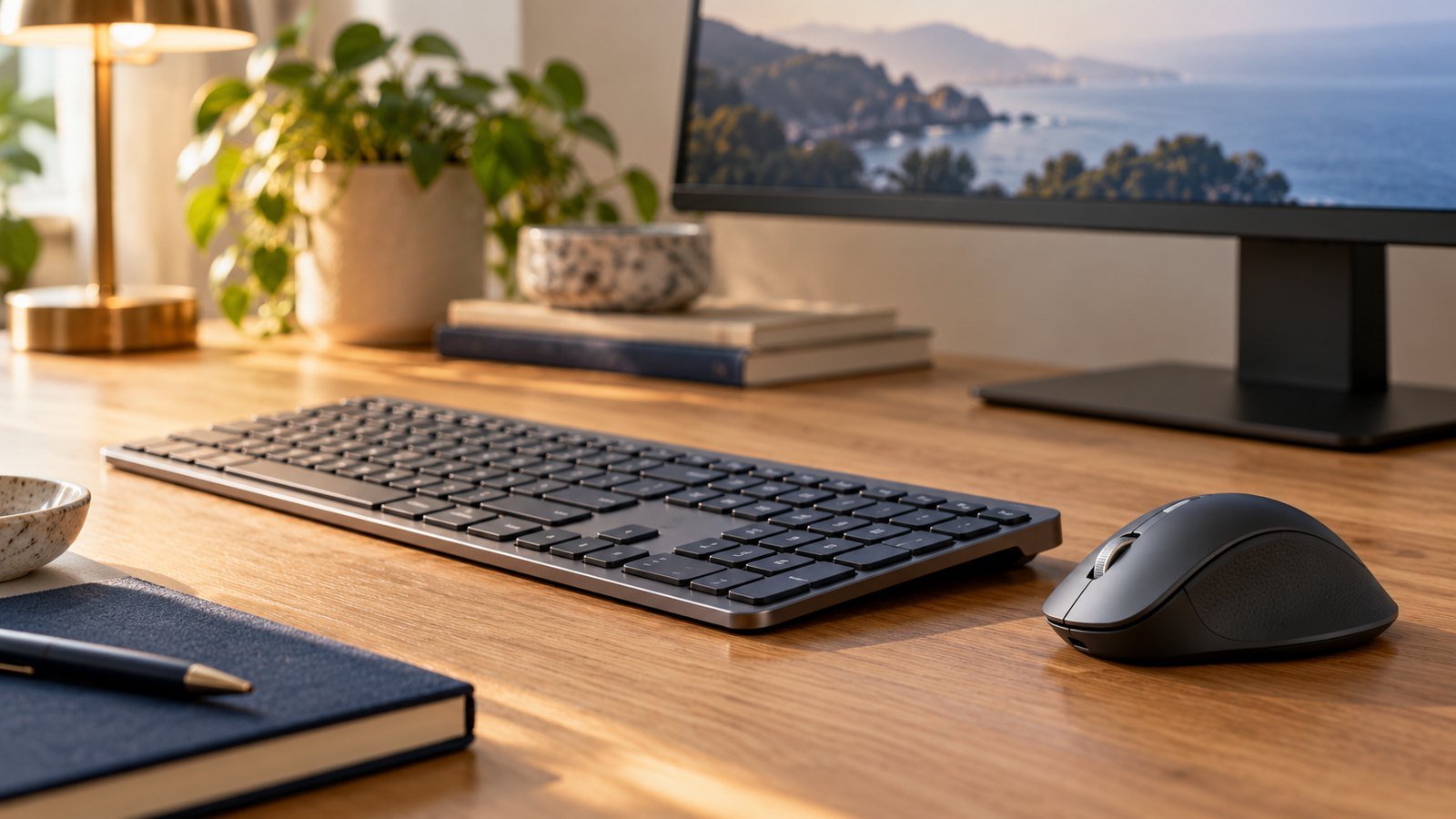
Prepared with AI assistance. Practical examples are illustrative, not hands-on test results. The featured image is an AI-generated editorial illustration of generic equipment, not an exact branded product photograph.
Quick answer: Shortlist the Logitech MX Keys S if you want a low-profile office keyboard with backlighting and you have space for its layout. Decide whether you need a number pad before choosing a full-size keyboard. If your desk is narrow or you prefer a different typing feel, another format may suit you better.
A keyboard affects almost every task you perform at a computer, from a short customer reply to a long project document. Yet it is easy to shop by appearance and overlook the layout you will use for years.
This guide helps you make that decision deliberately. It is based on published product information and practical purchasing considerations, not a hands-on claim about typing speed or comfort.
What you are paying for
Logitech’s MX Keys S product information describes a low-profile design, illuminated keys and Smart Actions through Logi Options+. The company also offers MX Keys Mini as a smaller alternative. Check the current compatibility information before relying on software-dependent features.
Backlighting is useful if you need to see key labels in a dim workspace. Automation is useful if you have repeatable actions to assign. Neither feature is essential for everyone, so separate what you will use from what merely sounds attractive.
Full-size or compact: the decision that comes first
Write down how often you enter columns of numbers. If you work with budgets, invoices or financial models, a number pad may earn its space. If most of your work is writing and browser navigation, a compact layout deserves consideration.
Make a paper outline of the keyboard’s published dimensions and place it on your desk. Add your mouse, notebook and anything else you use daily. This simple check is more informative than a polished product photograph.
A keyboard can be excellent on its own and still be wrong for a small desk. FitOnear’s small-space home office guide looks at those competing uses of limited surface area.
Buy the layout you already understand
Check the listing’s language and regional layout carefully. Look at the Enter key, symbols, modifier labels and any language-specific keys. A familiar brand name does not guarantee a familiar layout.
If you regularly type in two languages, decide whether printed labels matter or whether you are comfortable using your operating system’s keyboard layout without them. Avoid discovering after delivery that a lower-priced import uses a layout you find frustrating.
| Your priority | Check before ordering |
|---|---|
| Frequent numerical entry | Number-pad layout and available desk width |
| Writing in several languages | Printed legends and regional configuration |
| Evening work | Whether you actually need backlit keys |
| Repetitive commands | Access to supported customization software |
| Shared desk | Whether the same layout suits each user |
Do you need automation on a keyboard?
Start by listing the commands you repeat during a normal morning. If you cannot name any, do not buy primarily for programmable actions. Basic keyboard shortcuts may already cover your needs.
If you do identify a sequence, simplify it before automating it. Opening a project folder and a planning document is a useful candidate. Automatically sending messages or submitting forms deserves more care because a mistaken keypress could perform an action you did not intend.
For a sensible introduction, see FitOnear’s workflow automation guide. The same principle applies to hardware controls: start with a small, understandable task.
Check employer and operating-system restrictions
A company computer may allow a keyboard while restricting the software used to customize it. Confirm those details with your IT team. If your machine runs an older operating system, compare its exact version with the current software requirements.
Also read the connection and included-accessory details for the precise listing. Do not assume a cable serves every purpose or that every edition contains the same receiver. Use the manufacturer’s setup instructions for the version you buy.
How to assess it after delivery
Use a real work sample rather than a typing game alone. Write an email, edit a document and enter a short table of numbers. Notice whether any frequently used keys feel awkward to reach and whether you repeatedly make the same layout mistake.
Try the keyboard in your normal desk position. If you keep moving the mouse farther away to make room, the layout may be too wide for the available space. Keep your assessment practical: fewer unwanted adjustments is a more useful result than simply liking the keyboard’s appearance.
Frequently asked questions
Is the MX Keys S a mechanical keyboard?
It is marketed as a low-profile office keyboard rather than an MX Mechanical model. If a particular switch feel matters to you, compare the exact product families before ordering.
Is backlighting worth paying for?
It depends on your workspace and whether you look at the key labels. If your desk is well lit and you touch-type comfortably, other features may matter more.
Should I upgrade a keyboard that still works?
Only if you can identify a meaningful limitation, such as an unsuitable layout or a feature you will use regularly. Working equipment does not become inadequate because a newer accessory exists.
The buying decision
Check the fit before you buy
- Match the language, physical layout and full-size model to the keyboard you intend to use; MX Keys Mini is a different choice.
- Check the exact package contents and supported connection before buying a receiver or adapter.
- Try a realistic writing and spreadsheet session. Keep your existing keyboard if it already meets your needs.
Affiliate disclosure: As an Amazon Associate I earn from qualifying purchases.
Compare Logitech MX Keys S on Amazon ↗
This opens an Amazon.com search so you can compare variants. Check the exact model, condition, seller, delivery and returns. No live price, availability or hands-on testing is claimed.
The MX Keys S is a sensible candidate for someone who values a low-profile, illuminated office keyboard and has checked layout, dimensions and software access. Choose a compact alternative if surface area matters more than a number pad. Choose by your daily work, not by the desire to match every accessory on the desk.
Product information checked September 19, 2026. Specifications, versions and availability can change. Confirm the exact item, seller, delivery destination and return terms before ordering. For readers outside the United States, check shipping, regional compatibility and local warranty coverage.