Affiliate disclosure: As an Amazon Associate I earn from qualifying purchases. Shopping buttons open Amazon.com searches; check the exact item and regional delivery before buying.
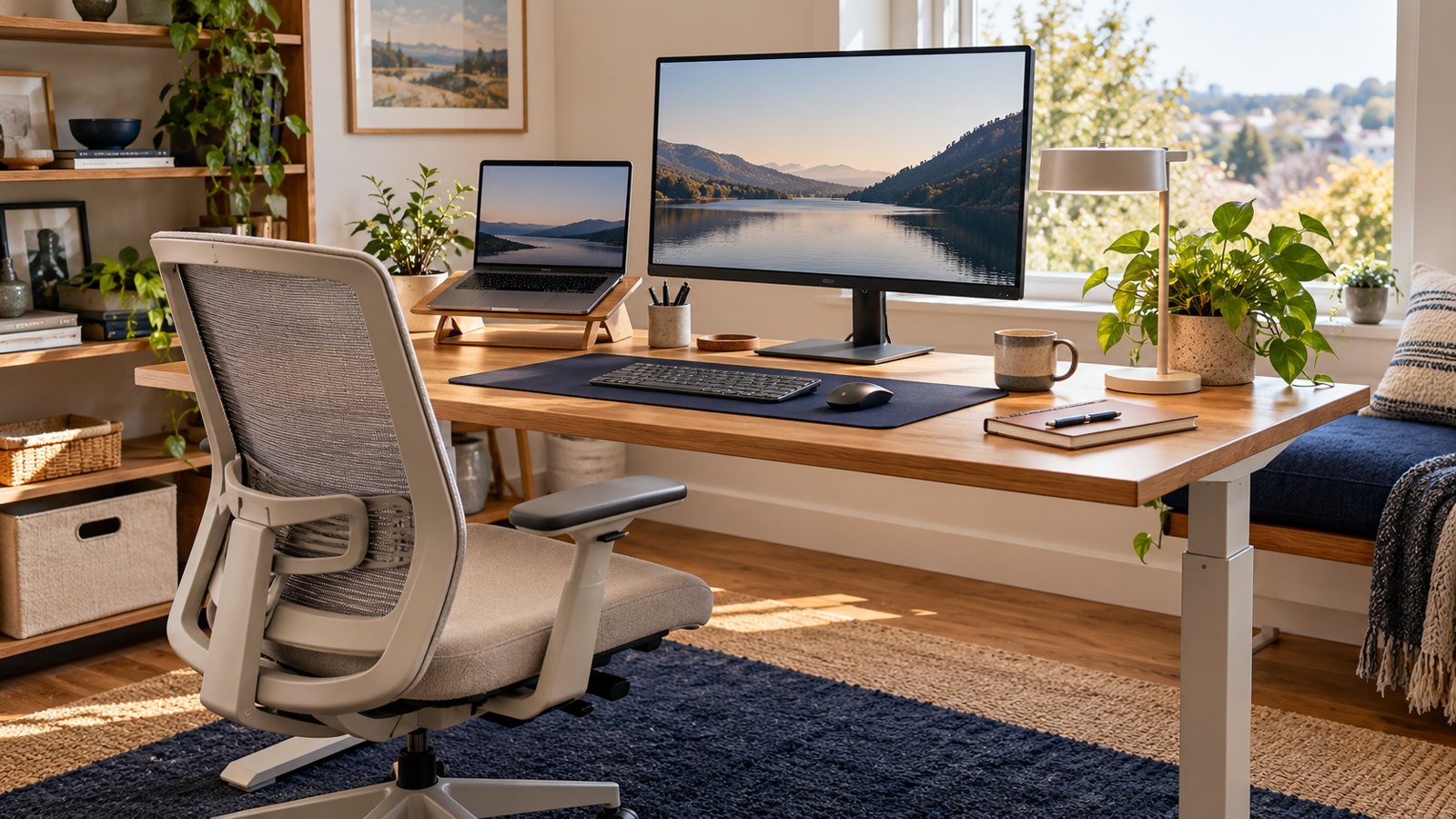
Prepared with AI assistance. Practical examples are illustrative, not hands-on test results. The featured image is an AI-generated editorial illustration of generic equipment, not an exact branded product photograph.
Quick answer: A standing desk is useful for changing posture, not standing all day; stability, height range and desktop size matter more than extra features.
The value of a sit-stand desk comes from movement. Holding any one posture for hours can still become uncomfortable.
What matters most
- Check seated and standing range
- Prioritize stability
- Alternate positions
- Plan cable length
A practical step-by-step approach
1. Measure ergonomic heights
Estimate keyboard height in both seated and standing positions.
2. Choose frame and desktop size
Fit your monitor, input devices and necessary work without excess depth.
3. Check stability and load
Look for wobble performance and realistic lifting capacity.
4. Plan cables
Allow safe slack through the full travel range.
5. Build a movement habit
Change position before discomfort rather than following a rigid target.
Try it in practice
Check stability across the range
List the weight of your equipment and measure the desk height you need while seated and standing. Check cable slack and monitor movement throughout the range. A stable, usable setup matters more than a long list of preset buttons.
Illustrative exercise, not a measured test result.
What to check before you decide
Compare desks by height range, stability, speed, noise, controls, warranty, desktop quality and assembly.
- Suitable height range
- Stable frame
- Safe cable route
- Strong warranty
- Usable controls
Common mistakes to avoid
- Standing for the entire day
- Ignoring minimum height
- Overloading the desk
- Using poor footwear or no movement
A question worth asking
Should I stand all day?
Avoid treating standing as the goal. Change position and choose a setup that supports comfortable work; persistent symptoms need individual professional advice.
Your next step
Buy for fit and stability, then use the desk as a cue to vary posture. The motor does not create movement habits—you do.
Further reading
For additional guidance and context, consult OSHA: computer workstation guidance. Check how the guidance applies to your organisation, country and specific task.