Affiliate disclosure: As an Amazon Associate I earn from qualifying purchases. Shopping buttons open Amazon.com searches; check the exact item and regional delivery before buying.
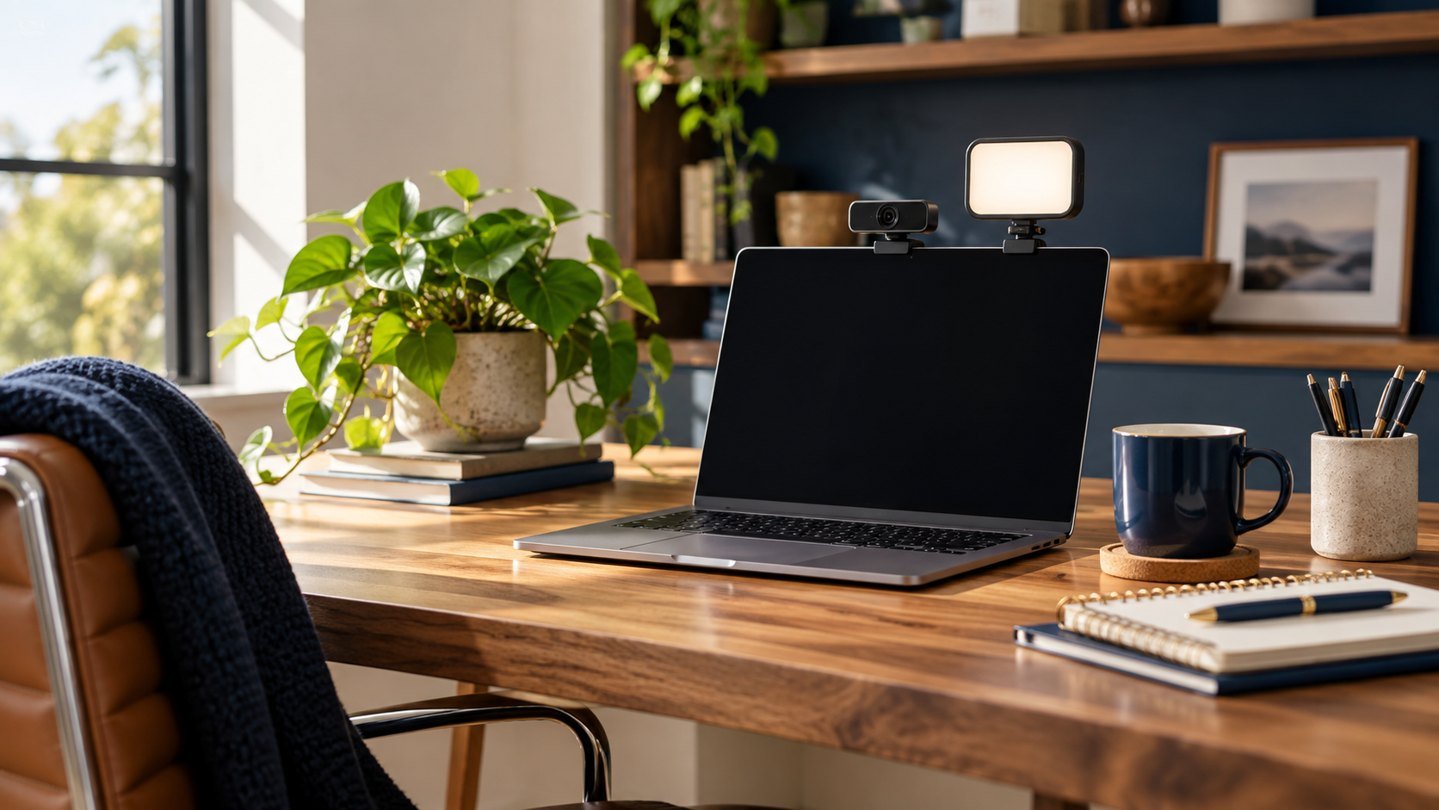
Prepared with AI assistance. Practical examples are illustrative, not hands-on test results. The featured image is an AI-generated editorial illustration of generic equipment, not an exact branded product photograph.
Quick answer: Place the camera near eye level, use a soft light in front of you, face a window when possible and improve audio before buying an expensive camera.
Professional video quality depends more on light, angle and sound than on camera resolution.
What matters most
- Raise the camera
- Light your face from the front
- Avoid bright windows behind you
- Test audio and framing
A practical step-by-step approach
1. Set camera height
Place the lens close to eye level and look at it when speaking.
2. Choose the key light
Use a window or diffused lamp slightly above eye line.
3. Simplify the background
Remove movement and strong contrast behind your chair.
4. Improve audio
Move the microphone closer and reduce echo before upgrading hardware.
5. Run a test recording
Check framing, exposure, sound and internet stability in the actual meeting app.
Try it in practice
Compare two short recordings
Record the same sentence facing a window, then with the window behind you. Keep camera settings and position unchanged. Compare facial visibility and screen glare before buying a light. If needed, test a softly diffused light placed beside the camera.
Illustrative exercise, not a measured test result.
What to check before you decide
Compare upgrades by image quality, low-light performance, microphone clarity, mounting, compatibility and simplicity.
- Natural eye line
- Soft facial light
- Clear audio
- Stable connection
- Uncluttered frame
Common mistakes to avoid
- Buying 4K before fixing lighting
- Using a ring light too close
- Sitting with a window behind you
- Ignoring microphone distance
A question worth asking
Should I upgrade the webcam first?
Check lighting, camera height and lens cleanliness first. A new camera cannot correct every room or connection problem.
Your next step
Fix position, light and sound in that order. A modest camera in a thoughtful setup will usually look better than premium hardware in poor conditions.
Further reading
For additional guidance and context, consult OSHA: computer workstation guidance. Check how the guidance applies to your organisation, country and specific task.