Affiliate disclosure: As an Amazon Associate I earn from qualifying purchases. Shopping buttons open Amazon.com searches; check the exact item and regional delivery before buying.
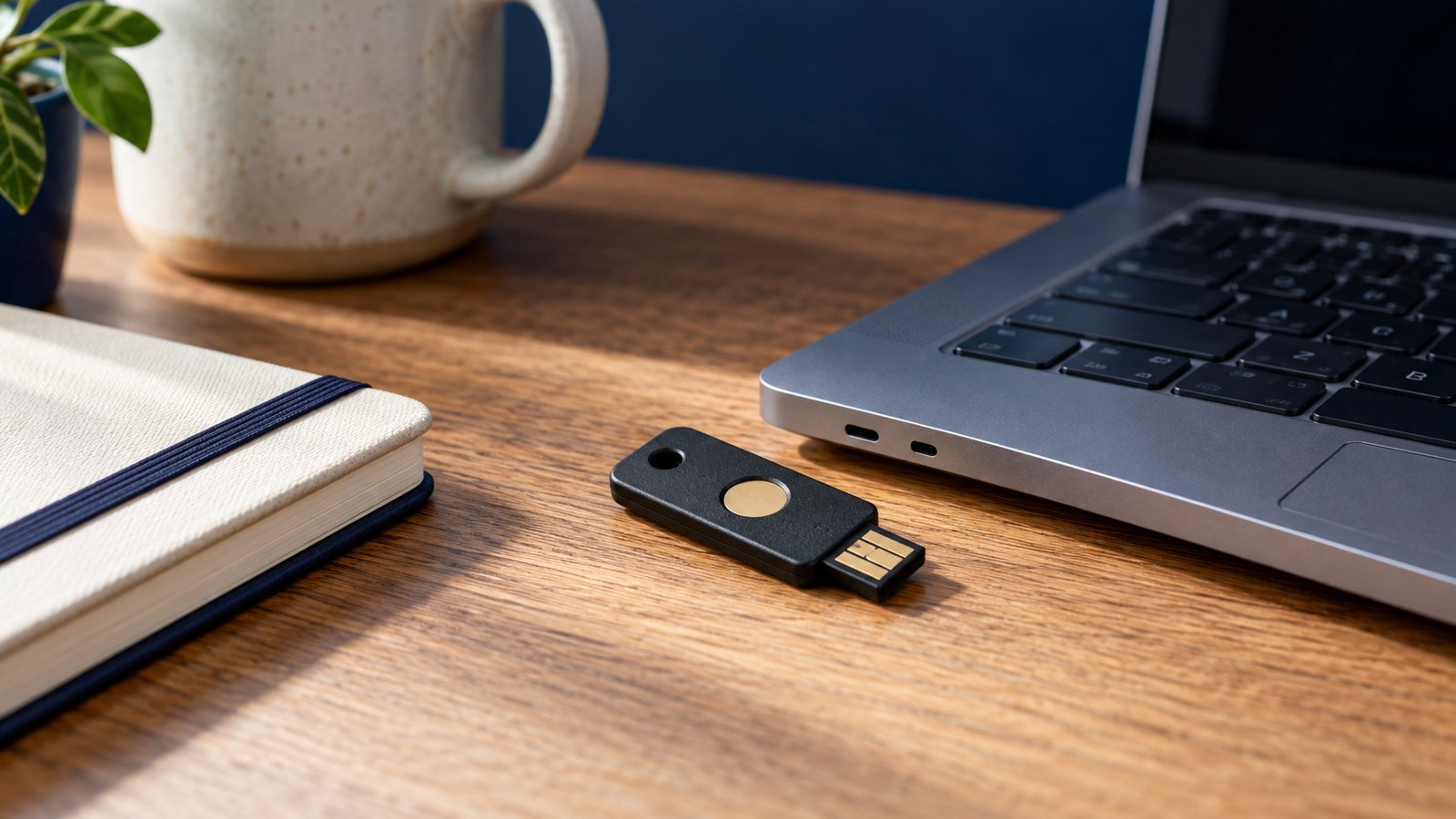
Prepared with AI assistance. Practical examples are illustrative, not hands-on test results. The featured image is an AI-generated editorial illustration of generic equipment, not an exact branded product photograph.
Quick answer: Use separate accounts, a shared family vault for common logins, recovery contacts and multi-factor authentication—never one shared master account.
A family password manager reduces reused passwords while keeping individual information private and shared services accessible.
What matters most
- Give each person an account
- Share records through a vault
- Plan recovery
- Use multi-factor authentication
A practical step-by-step approach
1. Choose a service
Confirm device support, family seats, recovery and export options.
2. Create strong master passwords
Use unique memorable passphrases that are never reused elsewhere.
3. Import and clean passwords
Replace duplicates and prioritize email, banking and social accounts.
4. Build shared vaults
Share household services without exposing personal credentials.
5. Test recovery
Make sure another trusted adult can recover essential access.
Try it in practice
Practise recovery before migration
Start with a few low-risk accounts, learn how shared and private vaults differ, and store recovery instructions securely. Test sign-in on a second device. Explain to each family member what is shared and avoid putting every person’s recovery method in one fragile location.
Illustrative exercise, not a measured test result.
What to check before you decide
Compare services by security model, audits, recovery, passkey support, family sharing, exports and price.
- Independent accounts
- Secure sharing
- Recovery options
- Cross-device support
- Easy export
Common mistakes to avoid
- Sharing one account
- Forgetting recovery planning
- Storing the master password in email
- Leaving old reused passwords unchanged
A question worth asking
Does a password manager replace multi-factor authentication?
No. Use additional authentication where available and keep recovery options current. Protect the password manager account particularly carefully.
Your next step
Set up the system together and improve the most important accounts first. A usable family process is more secure than a perfect system only one person understands.
Further reading
For additional guidance and context, consult CISA: Secure Our World. Check how the guidance applies to your organisation, country and specific task.