Affiliate disclosure: As an Amazon Associate I earn from qualifying purchases. Shopping buttons open Amazon.com searches; check the exact item and regional delivery before buying.
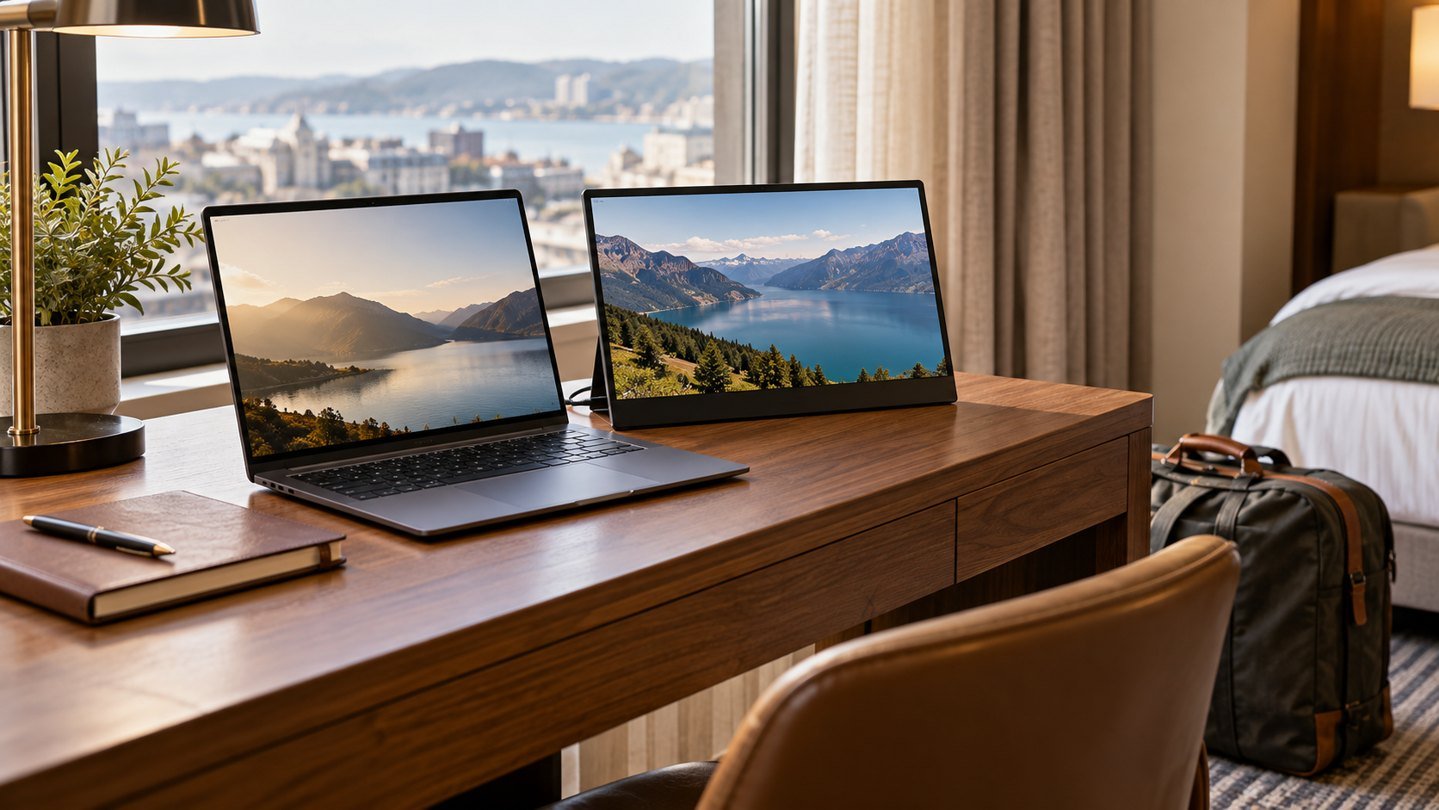
Prepared with AI assistance. Practical examples are illustrative, not hands-on test results. The featured image is an AI-generated editorial illustration of generic equipment, not an exact branded product photograph.
A portable monitor can make a temporary desk easier to use, but only if it fits the desk and the work. An extra screen is less appealing when its stand consumes your writing space or its connection needs equipment you left at home.
Decide using a repeated task
Choose one activity you do on most trips: compare two documents, keep reference material beside a draft, or monitor a presentation while viewing notes. If you cannot name a recurring task, first try the laptop’s window-management features. Buying screen space is useful when it removes a specific obstacle.
Measure the whole working footprint
The display’s diagonal measurement is not its desk footprint. Include the stand depth, cable bend and laptop position. Recreate a small hotel desk at home with a cleared section of your table. Place a paper rectangle where the screen would stand and see whether you still have room for a mouse and notes.
A kickstand can extend behind the panel. A folding cover may need a flat, stable surface. Compare how each arrangement behaves on the tables you actually use, rather than the generous desk shown in a product photograph.
Treat one-cable claims as conditional
A one-cable setup depends on the laptop port, monitor and cable supporting the required video and power arrangement. Confirm all three. If the screen needs separate power, pack the appropriate supply and check the destination’s electrical connection requirements.
Do not assume a hub’s USB-C data port supplies display output. If the monitor uses HDMI for video, check whether power must come from another connection. Before travelling, photograph the working setup with every cable visible.
| Travel situation | Detail to prioritise |
|---|---|
| Moving between rooms | Fast, repeatable setup |
| Working without an outlet | Documented power needs |
| Spreadsheet comparison | Comfortable text size and scaling |
| Presentations | Stable placement and connection reliability |
Portable screen or tablet?
A tablet you already own may be worth evaluating if your computer supports an approved second-display workflow. Compatibility, software requirements and latency vary, so test the actual combination. Do not buy a tablet solely on the assumption that it will function as a universal wired monitor.
A dedicated portable display may offer a simpler defined role. The useful comparison is your entire setup, including cables, software and stand, rather than the screen alone.
Before choosing an ASUS ZenScreen or another model
ZenScreen is a product family, not a single connection specification. Check the exact model and current manual. Our MB16AC guide provides a starting point for that particular model; other versions can differ. Compare text readability, input options, physical support and the included accessories.
Search listings using the full model number. Similar images and near-identical names can conceal different ports. Confirm the seller, return process and delivery destination before paying.
Do a departure rehearsal
Pack the complete kit, unpack it at a different table and connect it without borrowing another cable. Open your real documents and set scaling so text is comfortable to read. Try a normal work session, then disconnect and pack everything again.
Check that you can safely carry the panel without pressure against the screen. Keep the connection cable with it. A lightweight panel is not a complete travel kit if the necessary power and adapters are stored elsewhere.
Common questions
Does a portable display need charging?
Some models have batteries; others depend on external power. Check the exact model rather than assuming either design.
Can I connect it through any USB-C hub?
No. Verify the hub’s video outputs and the display’s power requirements.
Who should skip one?
Someone whose trips involve short email sessions or cramped tables may get more value from a lighter bag. Try your actual workflow before adding another device.
Explore suitable equipment
These are options to investigate, not a ranked list of tested winners. Specifications, compatibility and availability can change. For readers outside the US, compare local delivery, warranty and total cost.
Keep building your setup
- ASUS ZenScreen MB16AC: A Portable Monitor Buying Guide
- USB-C Monitor Not Working? Check These 7 Things First
- The Pack-Away Home Office: A Desk Setup That Clears in Minutes