USB-C Monitor Not Working? Seven Connection Checks
A USB-C connector does not establish video support. Check power and input first, then the laptop port, cable and display path. Change one part at a time and record which arrangement works.
Everything for a better work-from-home setup: desks, chairs, monitors, lighting, webcams, audio, cables and ergonomics.
Plan a workspace around your room, equipment and actual work.
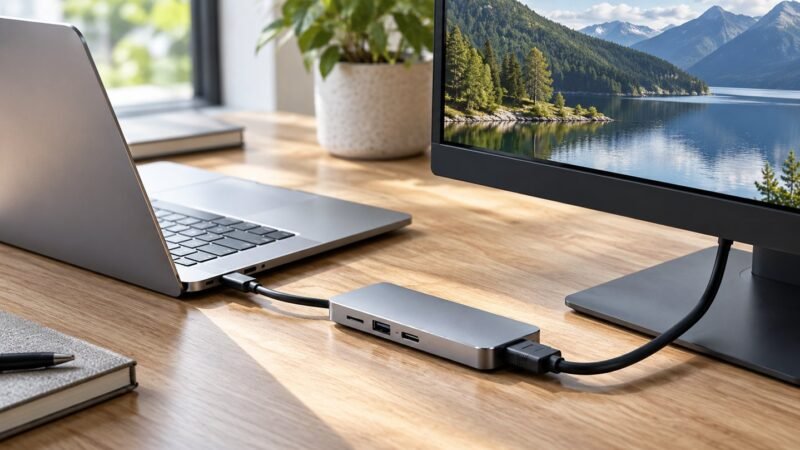
A USB-C connector does not establish video support. Check power and input first, then the laptop port, cable and display path. Change one part at a time and record which arrangement works.
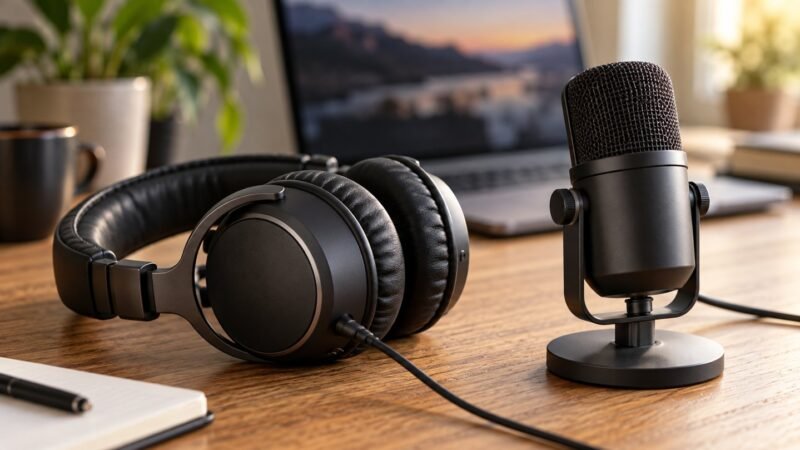
Choose around your room and speaking habits. A headset keeps the microphone near your mouth as you move; a desktop microphone needs a suitable position, headphones and enough desk space.
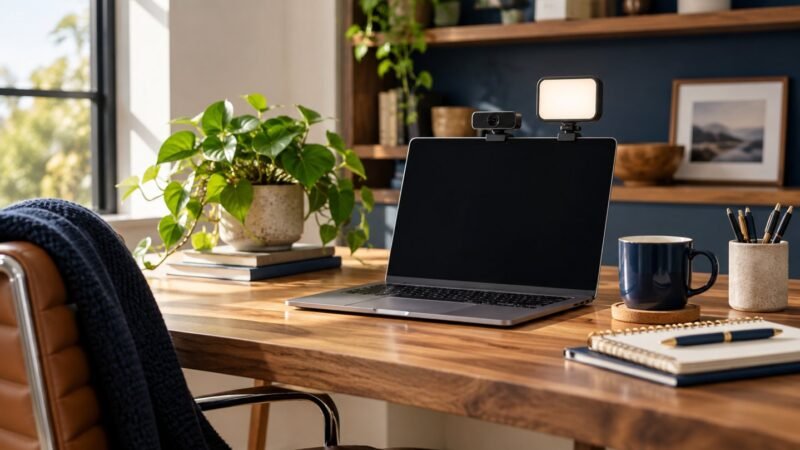
Improve the light reaching your face before replacing the camera. For glasses glare, move the light off the camera axis and check both lenses while looking naturally at the screen.
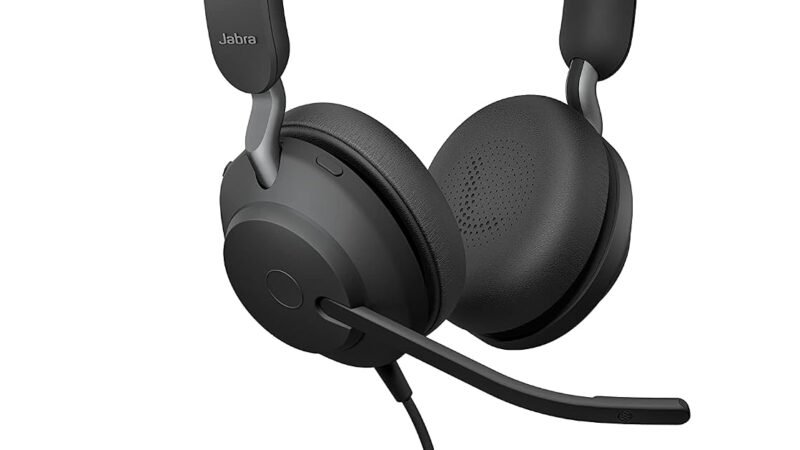
Is the Jabra Evolve2 40 SE right for remote work? Check USB versions, meeting compatibility, comfort and the trade-offs before buying.
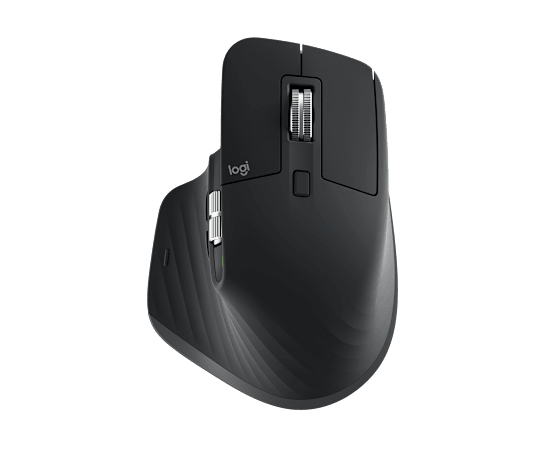
Considering the Logitech MX Master 3S for office work? Explore workflow benefits, software requirements, fit and reasons to skip the upgrade.
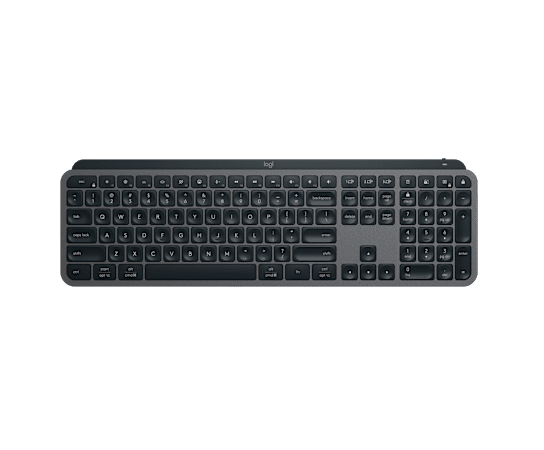
Is the Logitech MX Keys S the right office keyboard? Check layout, desk space, backlighting, software access and everyday typing priorities.

Decide whether the Logitech Brio 500 fits your video calls. Learn what to check for framing, lighting, software compatibility and desk placement.
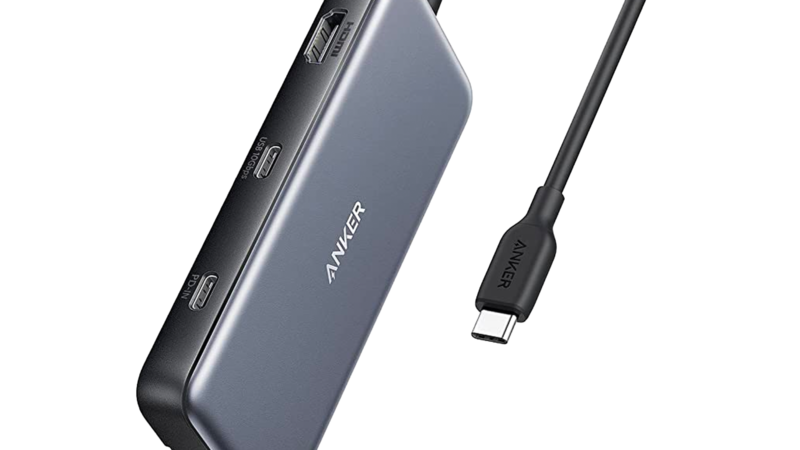
Check Anker 555 USB-C hub compatibility before buying: HDMI output, charging limits, data ports and the difference between a hub and a dock.
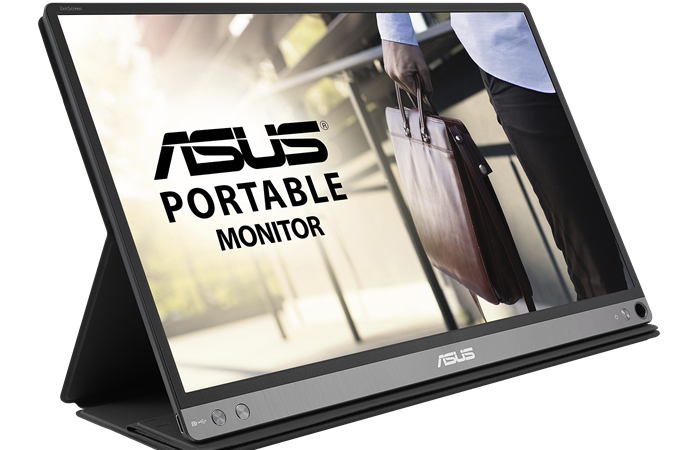
Is the ASUS ZenScreen MB16AC useful for mobile work? Check connection requirements, desk space, screen size and travel trade-offs before buying.
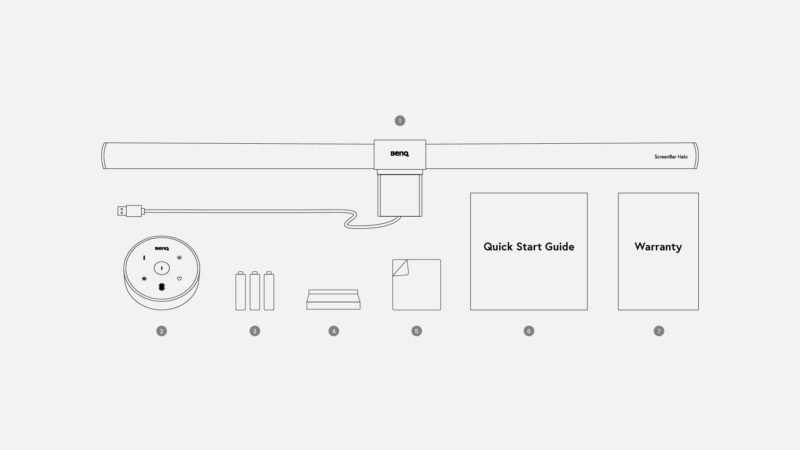
Compare the BenQ ScreenBar Halo with a desk lamp. Check monitor fit, webcam placement, desk coverage and whether a light bar suits your work.