Affiliate disclosure: As an Amazon Associate I earn from qualifying purchases. Shopping buttons open Amazon.com searches; check the exact item and regional delivery before buying.
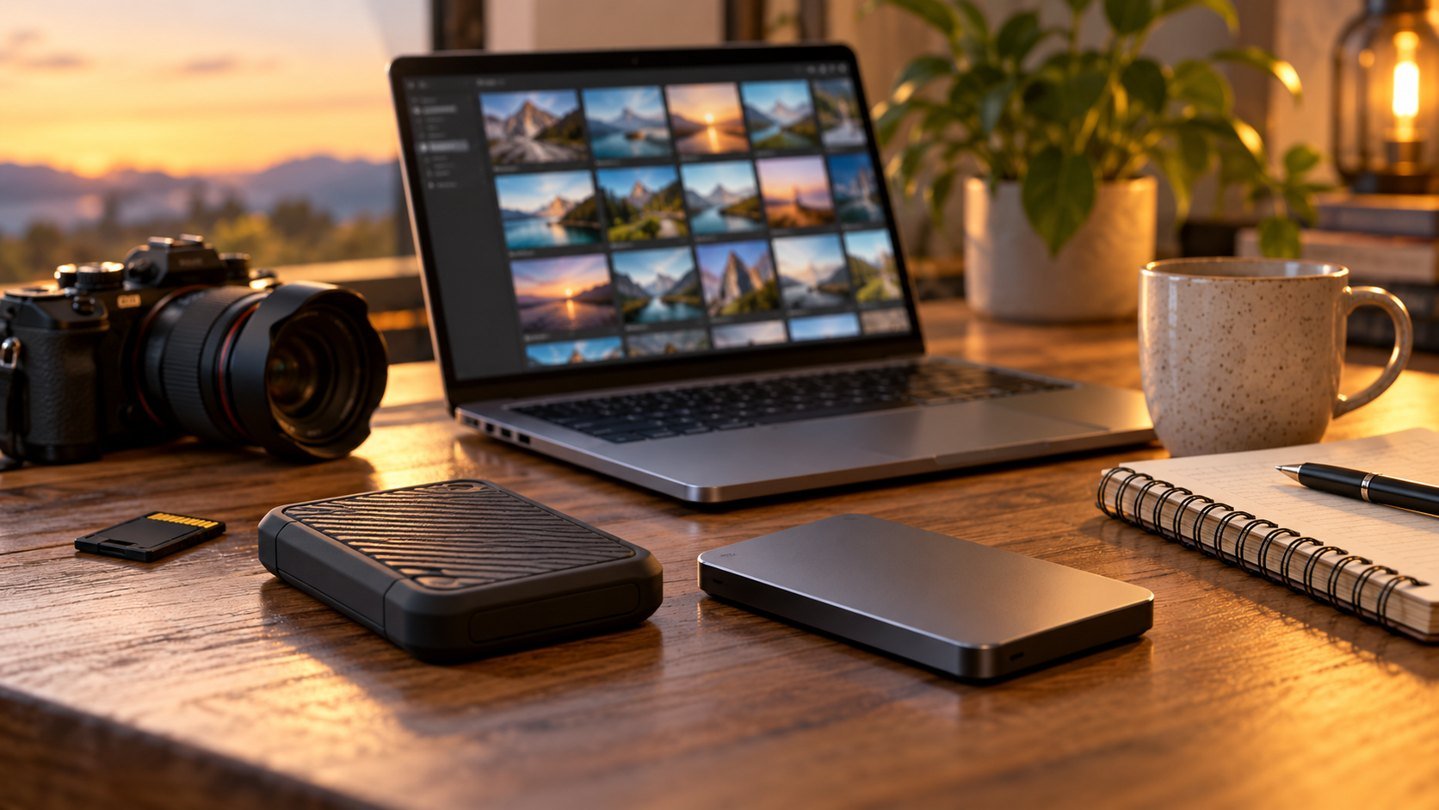
Prepared with AI assistance. Practical examples are illustrative, not hands-on test results. The featured image is an AI-generated editorial illustration of generic equipment, not an exact branded product photograph.
Quick answer: Use cloud storage for synchronized access and collaboration, but keep an independent external backup for files you cannot afford to lose.
Sync and backup solve different problems. A deleted or encrypted file can synchronize just as efficiently as a healthy one.
What matters most
- Keep multiple copies
- Separate sync from backup
- Encrypt sensitive files
- Test restoration
A practical step-by-step approach
1. Classify your files
Identify irreplaceable documents, photos, projects and archives.
2. Choose a primary workspace
Use local or cloud storage based on access and collaboration needs.
3. Add an independent backup
Keep a second copy disconnected or protected from everyday account access.
4. Automate the schedule
Schedule backups often enough for your acceptable loss window.
5. Test recovery
Restore sample files so you know the backup is usable.
Try it in practice
Restore before you rely on it
Create a harmless test folder, back it up and restore it to another location. Open its files. Repeat with a previous version if your service supports version history. Compare offline access, recovery effort and the consequence of losing your main device.
Illustrative exercise, not a measured test result.
What to check before you decide
Compare options by capacity, access, upload speed, sharing, encryption, failure modes and recurring cost.
- Independent copies
- Version history
- Encryption
- Easy restore
- Clear ownership
Common mistakes to avoid
- Treating sync as backup
- Keeping the drive connected permanently
- Never testing recovery
- Using one cloud account for everything
A question worth asking
Is a synchronised folder a backup?
Synchronisation can copy changes and deletions. Check retention, version recovery and an independent copy instead of assuming that a second visible folder is sufficient.
Your next step
Use both when the files matter: convenient synchronized access for daily work and an independent backup for resilience.
Further reading
For additional guidance and context, consult CISA: Secure Our World. Check how the guidance applies to your organisation, country and specific task.