The Pack-Away Home Office: A Desk Setup That Clears in Minutes
Build a compact home office you can pack away: choose a stable stand, a useful keyboard, a cable pouch and a repeatable shutdown routine.
Read guide →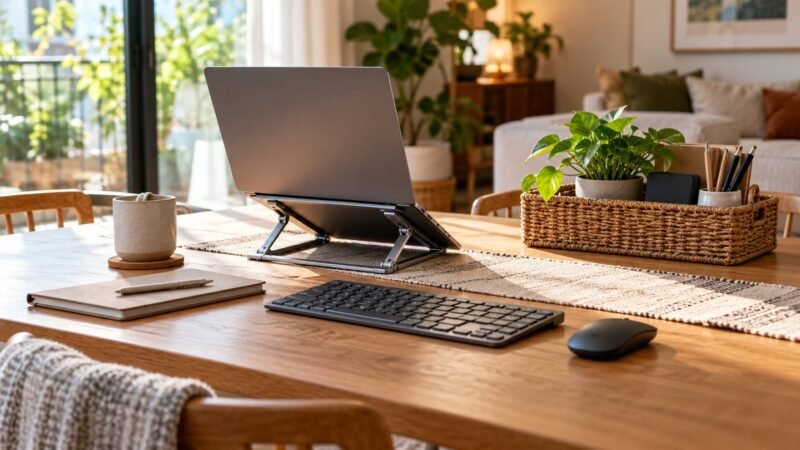
Build a compact home office you can pack away: choose a stable stand, a useful keyboard, a cable pouch and a repeatable shutdown routine.
Read guide →
Prepare your video interview with a 30-minute camera, audio and connection rehearsal, plus sensible equipment choices and a backup plan.
Read guide →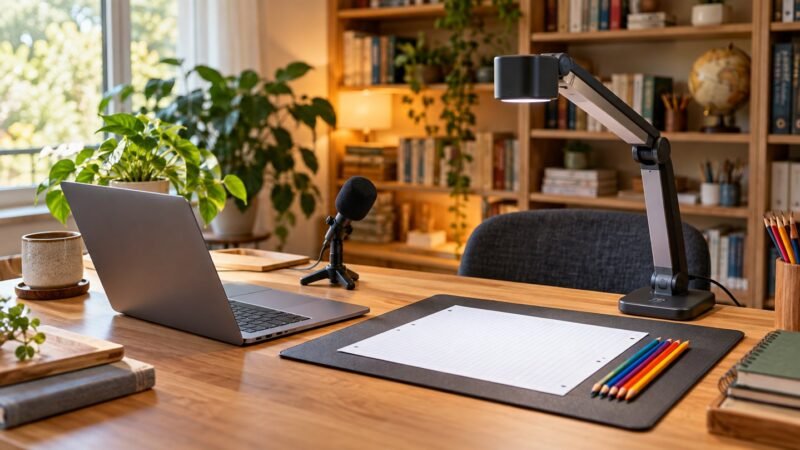
Build an online teaching desk around clear explanations, readable handwriting and checked AI worksheets, with a phased equipment checklist.
Read guide →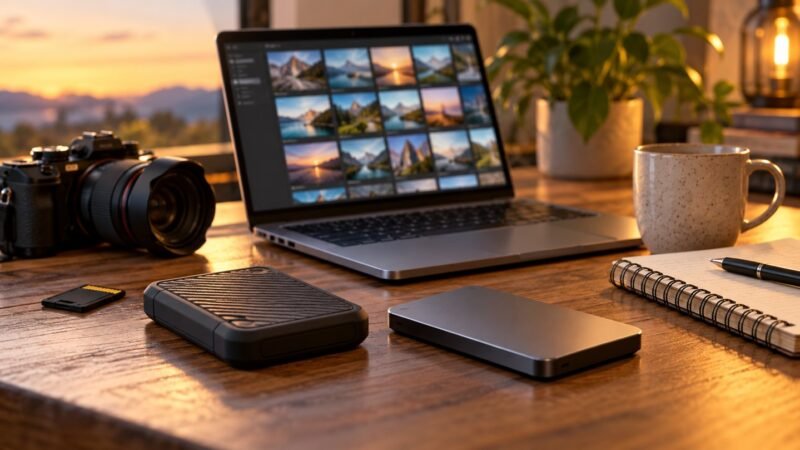
Organise AI creative projects, preserve source files and test restores with a practical backup routine for images, videos and client work.
Read guide →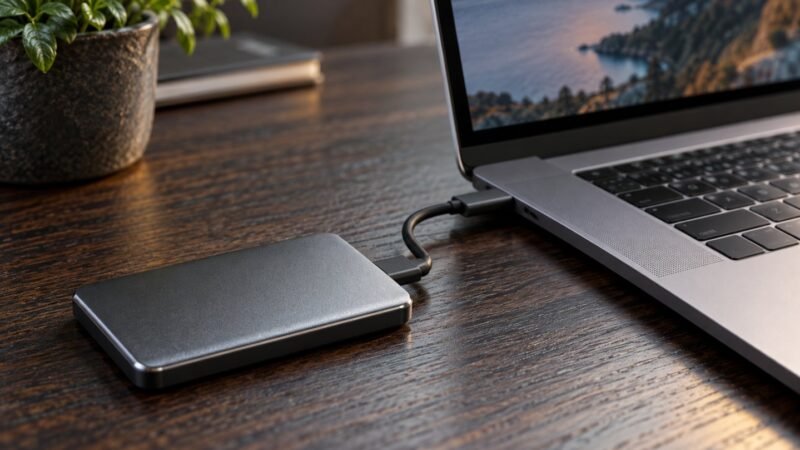
Diagnose slow external SSD transfers by comparing the cable, port, hub and file workload, without erasing data or buying blindly.
Read guide →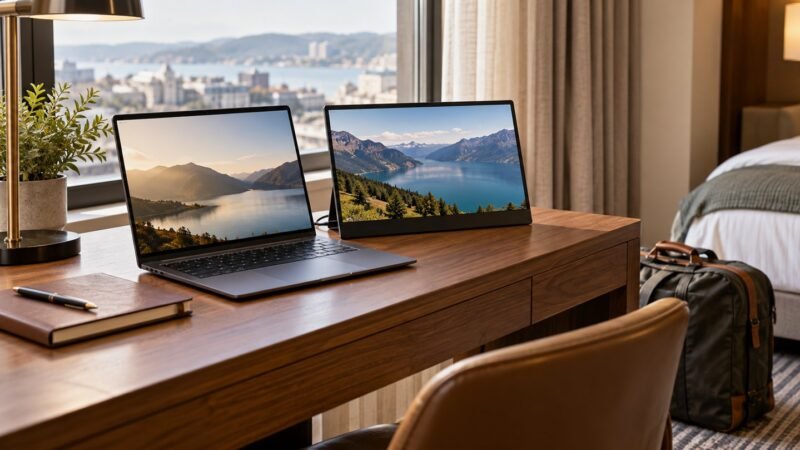
Decide whether a portable monitor suits hotel desks and travel work. Check the stand, cables, power needs and tasks that justify the weight.
Read guide →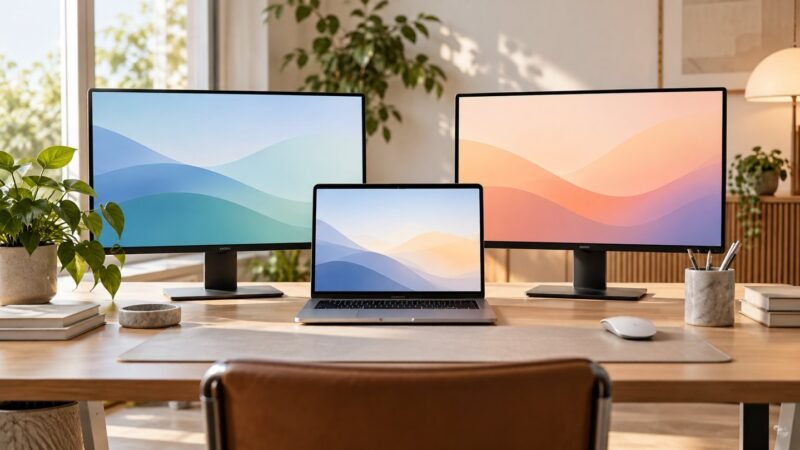
Plan a two-monitor MacBook setup by checking the exact model, display limits, dock technology and open-lid requirements before buying.
Read guide →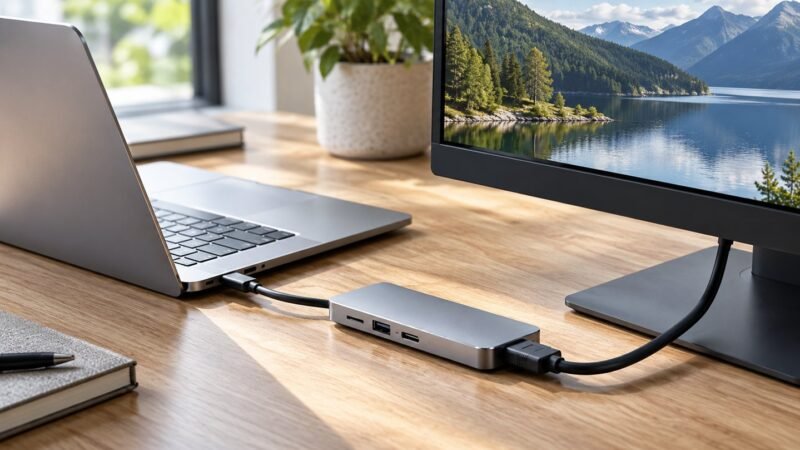
Troubleshoot a blank USB-C monitor by checking the port, cable, input, adapter and display mode before replacing your hub.
Read guide →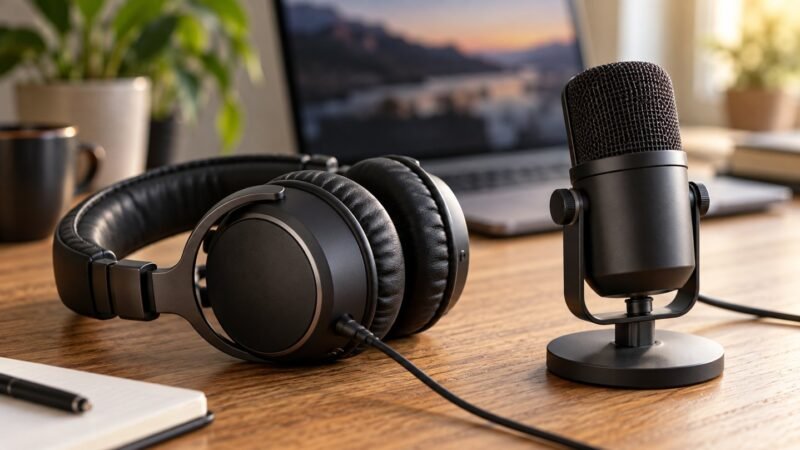
Choose a USB headset or desktop microphone for meetings, teaching and voiceovers, with a practical recording test and a clear buying checklist.
Read guide →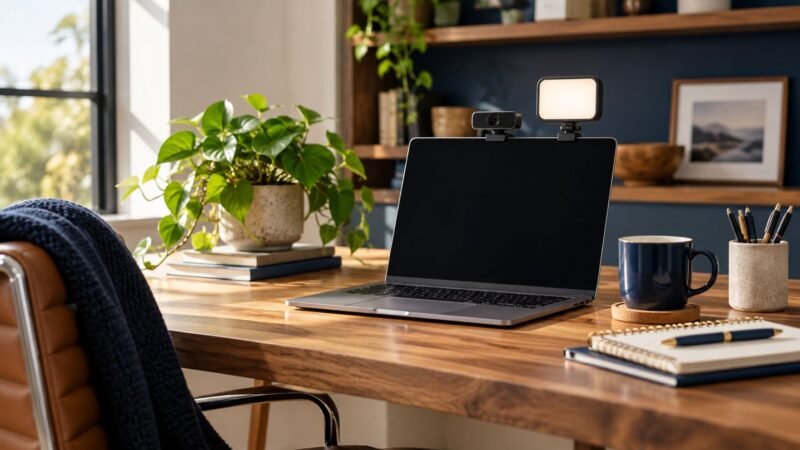
A practical video-call lighting setup: fix backlighting, glasses glare and evening calls, then decide whether an LED light is worth buying.
Read guide →