Affiliate disclosure: As an Amazon Associate I earn from qualifying purchases. Shopping buttons open Amazon.com searches; check the exact item and regional delivery before buying.
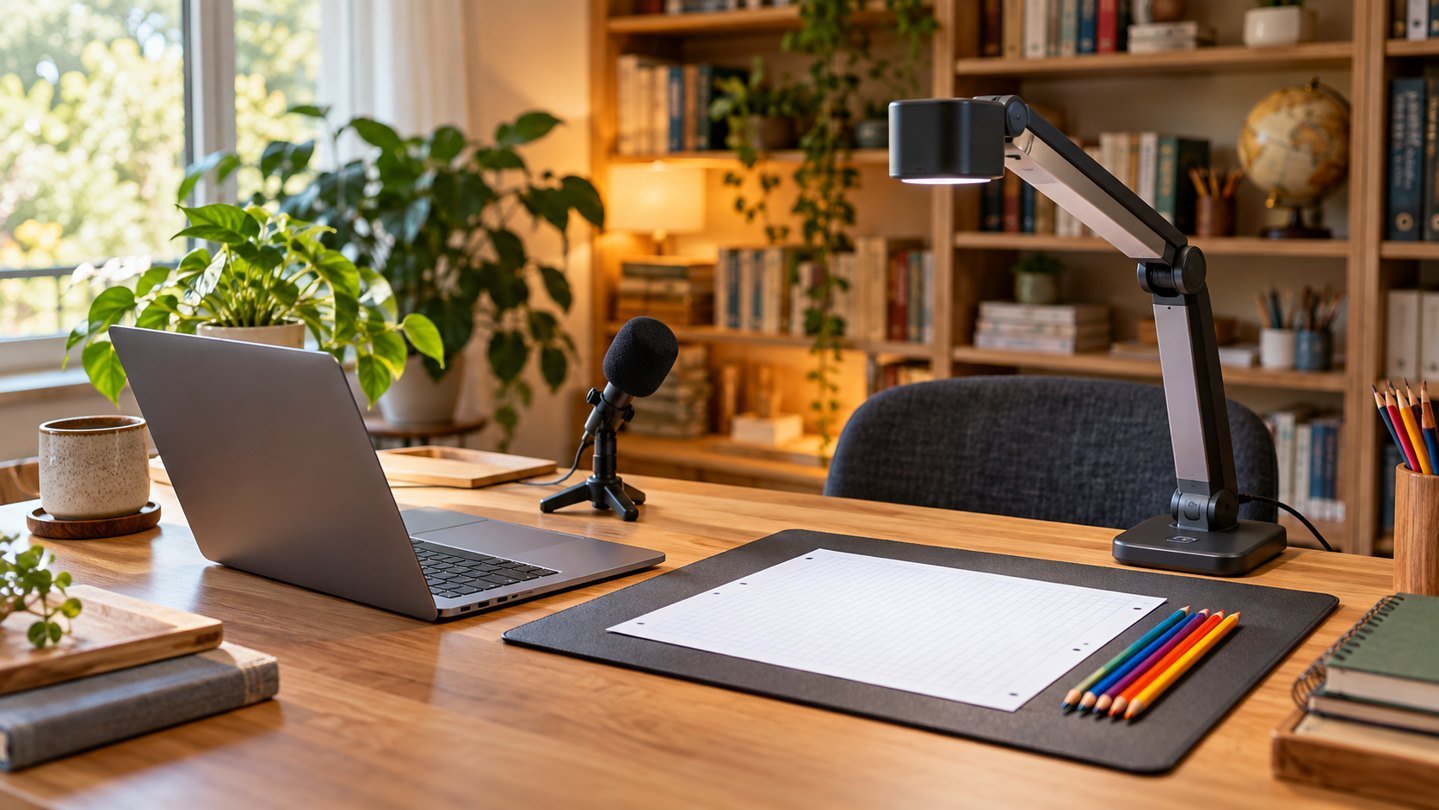
Prepared with AI assistance. Practical examples are illustrative, not hands-on test results. The featured image is an AI-generated editorial illustration of generic equipment, not an exact branded product photograph.
An online lesson succeeds when the learner can follow the explanation and see the material. A room full of gadgets can still produce an unclear lesson. Start with the teaching task, then buy only the equipment that removes a specific barrier.
Build the minimum useful lesson
Prepare one short explanation, one example and one question for the learner. Rehearse using your existing laptop and headset. View the lesson on a second device or ask a colleague to join a private test so you can assess what the learner actually receives.
Do not evaluate only the teacher’s preview. Small handwriting may look readable on your desk and become difficult to follow in a meeting window. Test the shared view at an ordinary learner screen size.
Choose how you will show the work
| Teaching material | First approach to try | Possible upgrade |
|---|---|---|
| Handwritten maths | Stable overhead camera view | USB document camera |
| Live software demonstration | Share one app and enlarge text | Second display for notes |
| Spoken explanation | Existing headset in a quiet spot | Better-positioned microphone |
| Physical objects | Clear camera angle and lighting | Adjustable document camera |
When a document camera earns its space
A document camera is useful when you repeatedly explain handwriting, books or small objects. Check how much of the page the model can show at your working height and whether its stand remains stable while you write. Confirm operating-system and application compatibility before purchase.
The IPEVO V4K is a candidate to investigate using the manufacturer’s specifications. Do not confuse it with other V4K-family versions. Compare the exact model, connection, included software and frame-rate or resolution modes you need. A clearer static page and smooth hand movement are separate qualities to evaluate.
Make handwriting easier to follow
Use uncluttered paper, leave generous spacing and write one step at a time. Keep your hand out of the camera’s view of completed steps where practical. Check focus and orientation before the session rather than discovering an upside-down page after the explanation starts.
If the page is glossy, adjust the light to reduce reflections. If the camera hunts for focus, consult its controls and manual. Avoid solving the problem by adding so much equipment that switching views becomes a distraction.
Use AI to prepare, then check the lesson
AI can help draft practice variations or simplify wording, but the teacher still needs to solve every question and inspect the answer key. Verify grade level, vocabulary and whether the task actually teaches the intended skill. Do not describe an unchecked generated worksheet as curriculum-approved.
A useful preparation prompt is: Create five practice questions for the skill I specify, progressing from simple to applied. Provide a separate answer key and explain each solution. Do not include student names or personal details. After generating, solve the questions yourself and revise anything ambiguous.
Buy in stages
Stage one is reliable audio and a readable lesson. Stage two is easier switching between materials. Stage three is convenience, such as a separate light or second display. Move to the next stage only when you can identify what the current setup prevents you from doing.
A wired headset may be the simplest audio option. A USB microphone can suit recorded explanations if you can maintain its intended position. Compare both using a sample of your real teaching voice, including quieter instructions and normal writing sounds.
Keep a fallback ready
Export the lesson as a readable PDF when appropriate and keep your notes locally. Know how to share a single file if live screen sharing fails. Follow your school or client’s rules for communication, storage and recording, particularly when teaching children.
At the end, note which explanation caused confusion and which equipment action interrupted the lesson. That record should guide the next improvement more than a shopping list does.
Common questions
Do I need a second monitor?
Only if it helps a repeated task, such as keeping notes visible while sharing a lesson. Start with the display you have.
Is a phone camera enough for handwriting?
It may be, with a stable permitted setup and a clear connection workflow. Rehearse the full lesson before relying on it.
Should I buy a document camera first?
Buy one when physical-page demonstrations are central to your lessons and your current method is a demonstrated obstacle.
Explore suitable equipment
These are options to investigate, not a ranked list of tested winners. Specifications, compatibility and availability can change. For readers outside the US, compare local delivery, warranty and total cost.
Keep building your setup
- How to Fact-Check AI Answers in Five Minutes
- Jabra Evolve2 40 SE: A Headset Buying Guide for Remote Work
- USB Headset vs Desktop Microphone: Which Fits Your Work?
- Video-Call Lighting for Glasses: Fix Glare and Backlighting