Affiliate disclosure: As an Amazon Associate I earn from qualifying purchases. Shopping buttons open Amazon.com searches; check the exact item and regional delivery before buying.
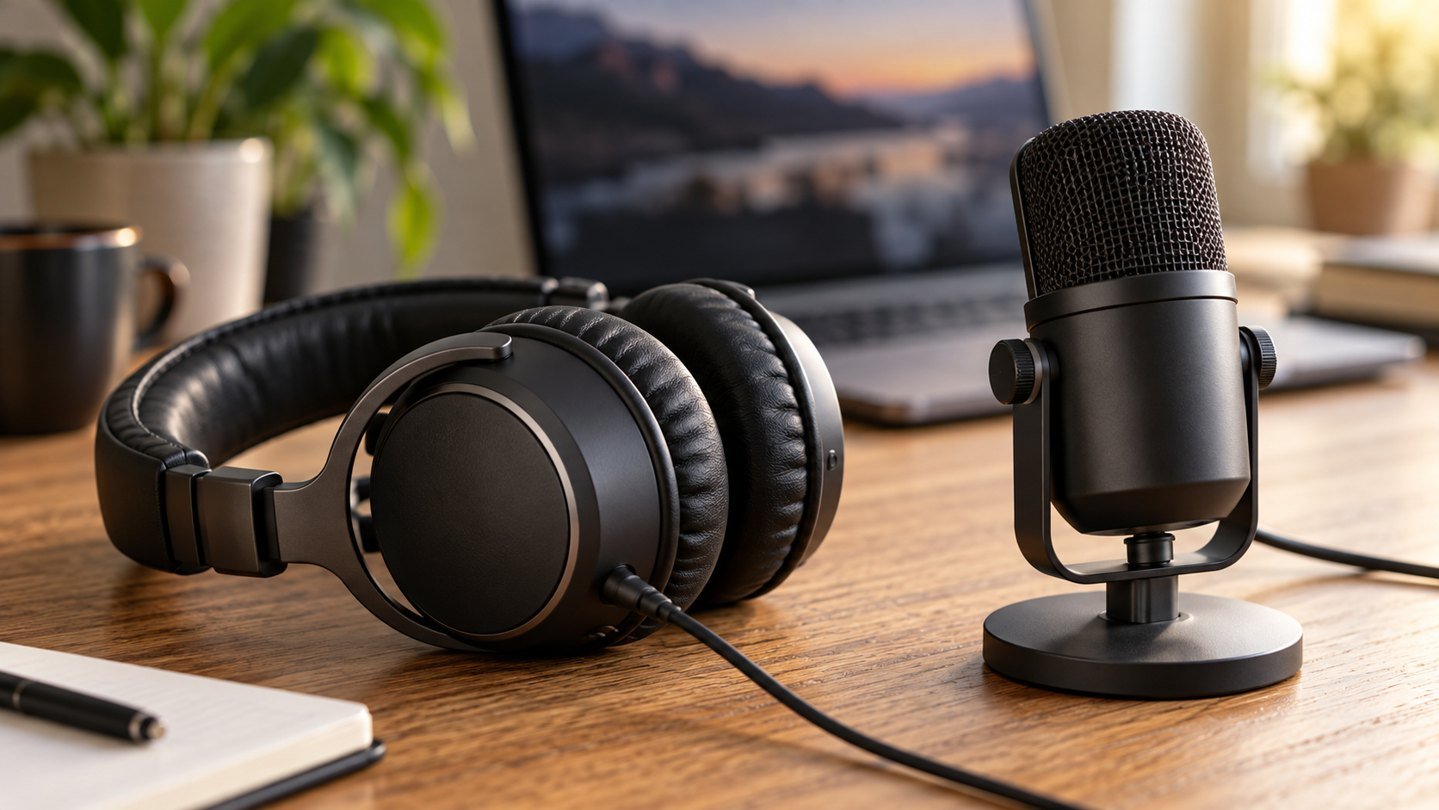
Prepared with AI assistance. Practical examples are illustrative, not hands-on test results. The featured image is an AI-generated editorial illustration of generic equipment, not an exact branded product photograph.
The microphone with the most impressive appearance is not necessarily the easiest one to use all day. Your room, speaking habits and need to hear other people matter as much as the device. A headset keeps the microphone near you; a desktop microphone asks you to maintain a useful position.
Choose by the job
For frequent two-way meetings, begin with a comfortable headset. For planned voiceovers at a fixed desk, consider a USB microphone and separate headphones. If you already own either, make a sample recording before deciding that the hardware is the problem.
| Your routine | Starting point | Main trade-off |
|---|---|---|
| Recorded lessons | USB microphone plus headphones | Placement discipline |
| Shared room | Close-positioned microphone | Background sound still matters |
| Travel and hot desks | Compact headset | Another item to carry |
| Occasional calls | Existing equipment | Test intelligibility first |
Understand the two different noise problems
Noise cancellation in the earpieces affects what you hear. Microphone noise handling affects what other people hear. A product description using the phrase noise cancellation may not mean both. Read the relevant microphone specification and listen to a real sample if the manufacturer provides one.
Neither category makes a busy room silent. Shut the window if practical, move away from a fan and keep the microphone at its intended speaking distance. Excessive software suppression can also change the sound of speech. Compare with and without it using the same sentence.
Try this five-minute recording test
Record thirty seconds with your normal speaking voice, then another thirty seconds while typing lightly. Include a pause so you can hear the room. Repeat while turning toward a second screen, which reveals how much your level changes during normal work.
Listen through headphones at an ordinary volume. Mark three observations: are words easy to understand, does background sound distract, and do movements cause a large change? Do not judge on loudness alone. A louder sample can seem better even when it has more noise.
Two candidates for different routines
The Jabra Evolve2 40 SE is a headset candidate already covered in our dedicated buying guide. Check the exact USB connector and meeting-platform variant before ordering. A familiar name does not guarantee that every listing has the same connection.
Shure describes the MV6 as a dynamic USB microphone with voice-isolation features. It is a candidate for a fixed recording position. Consult its setup guide for placement and software requirements, then include the headphone and mounting arrangement in your total cost. This is a research-based shortlist, not a claim that we tested either device in your room.
The hidden costs of a desktop microphone
A desk stand uses working space. A boom arm needs a suitable clamp surface and clearance. A microphone placed between the keyboard and screen can be inconvenient even if it sounds good. Plan where your hands, notes and camera will sit before choosing accessories.
For calls, headphones help prevent the meeting audio from playing back into your microphone. Make sure your application uses the intended input and output; plugging in new equipment does not guarantee the app has selected it. Recheck after switching between a laptop and a dock.
A useful acceptance checklist
Spend one normal session with the equipment before discarding packaging. Check mute controls, cable reach, comfort, application selection and whether the device reconnects after sleep. Ask a colleague for a short intelligibility check without recording them unnecessarily.
If the setup demands constant adjustment, simplify it. For everyday work, reliability and low friction may matter more than a subtle improvement in tone.
Common questions
Is a desktop microphone always more professional?
No. Clear, consistent speech is the goal. A well-positioned headset can be the more dependable choice for someone who moves while speaking.
Do I need an audio interface?
A USB microphone is designed to connect through USB. Check the exact product; an XLR-only microphone requires a different connection plan.
Should I replace a working headset for AI transcription?
First test a sample with your approved transcription workflow and check the result manually. New hardware is useful only if it addresses a demonstrated capture problem.
Explore suitable equipment
These are options to investigate, not a ranked list of tested winners. Specifications, compatibility and availability can change. For readers outside the US, compare local delivery, warranty and total cost.
Keep building your setup
- Jabra Evolve2 40 SE: A Headset Buying Guide for Remote Work
- Online Teaching Setup: Clear Audio, Readable Lessons, Less Gear
- Video Interview Setup: A Calm 30-Minute Tech Rehearsal