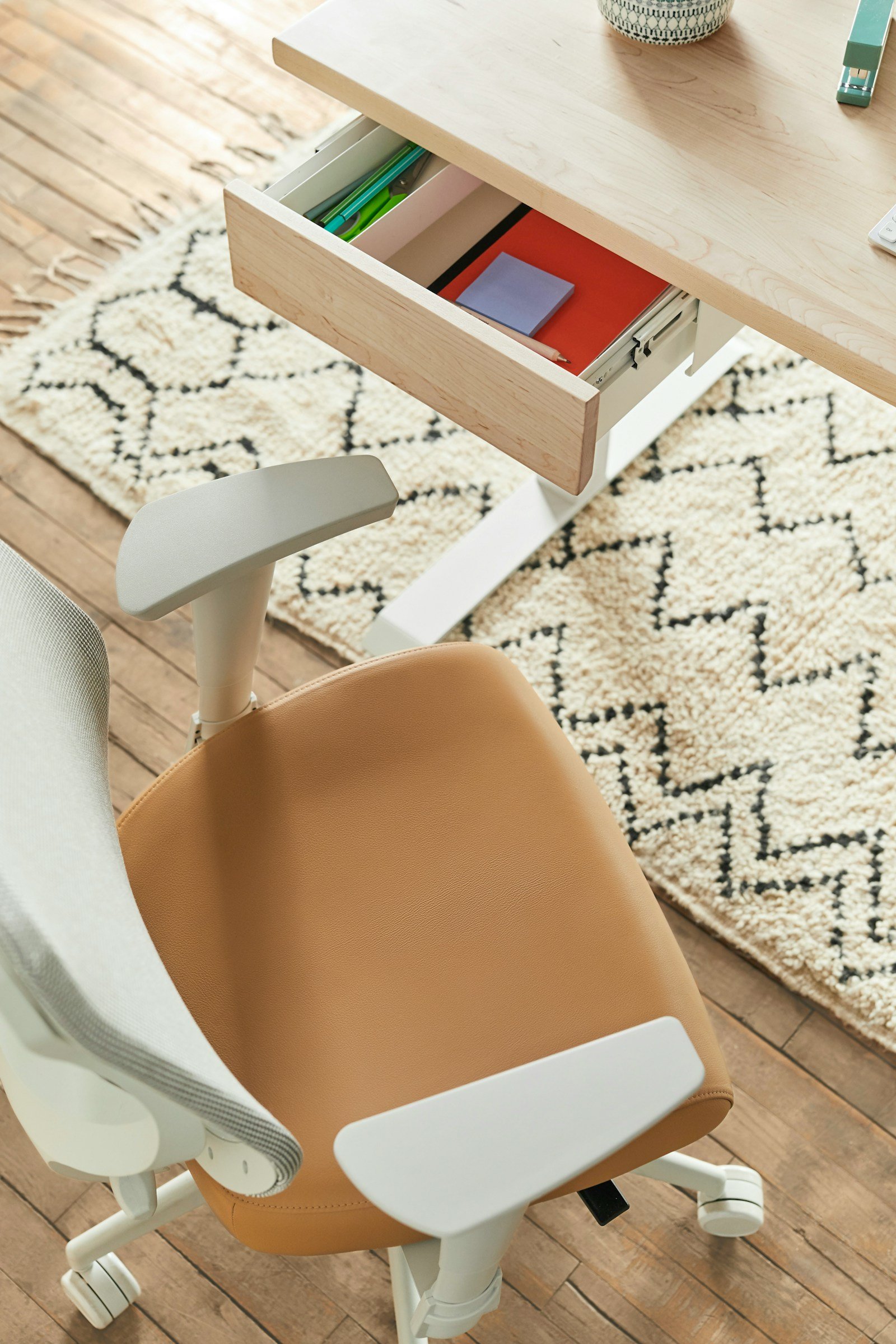
There’s no single best office chair for back pain, because backs and bodies differ. What helps most people is a chair that fits your height, supports the curve of your lower back, and lets you move and recline instead of sitting rigidly upright. The good news: those features exist from about $200 up.
The 5 fit checks that matter more than the price
If a chair fails seat depth or lumbar height for your body, no amount of padding fixes it. Measure yourself first: sit with your back against a wall and measure from the wall to the back of your knee. That number, minus about 5–8 cm (2–3 in), is roughly the seat depth you need.
Best ergonomic chairs for back pain at a glance
| Chair | Typical price | Lumbar | Max weight | Warranty | Best for |
|---|---|---|---|---|---|
| Boulies EP200 | about $210 | Adjustable | 265 lb | 2 years | Budget with seat-depth adjust |
| Autonomous ErgoChair Pro | about $500 | Adjustable (manual) | 300 lb | 2 years | Upgrading from a basic chair |
| Branch Verve | about $550–$600 | Adjustable, padded | 275 lb | 7 years | Best value for most people |
| LiberNovo Omni SE | about $660–$900 | Manual dial | 300 lb | 5 years (frame) | Long hours, likes to recline |
| Steelcase Karman | about $850–$1,580 | Optional bar | 350 lb | 12 years | Light, responsive all-day comfort |
| Herman Miller Aeron | about $1,000+ | Adjustable (PostureFit SL) | 350 lb | 12 years | Premium, three body sizes |
| LiberNovo Omni | about $850–$1,100 | Motorized, depth-adjustable | 300 lb | 5 yr frame / 2 yr electronics | Persistent lower-back pain |
Our picks by budget
Best budget: Boulies EP200
Most cheap chairs skip seat-depth adjustment, which is exactly what shorter and taller people need. The EP200 has it, plus adjustable lumbar, armrests and a headrest, for around $200. The trade-offs: the fabric shows wear sooner than premium chairs, the warranty is 2 years, and the seat is narrower (about 17.7 in) than most here.
Best value: Branch Verve
The Verve covers the essentials well: a padded, adjustable lumbar support, adjustable tilt tension and a 7-year warranty, at a mid-range price. Its armrests only move up and down, so if you type with your arms tucked close to your body, try them in the return window.
Best for long days: Herman Miller Aeron
The Aeron’s big advantage for back pain is fit: it comes in three sizes (A, B and C), so shorter and taller people get a frame built for them rather than a one-size compromise. Add the 12-year warranty and strong resale value, and the high price works out better over a decade than replacing two cheaper chairs.
Best responsive comfort: Steelcase Karman
The Karman uses a weight-activated mechanism that adjusts recline tension as you move, so there are fewer knobs to get wrong. Note that lumbar support is an optional add-on: if your lower back is the problem, order it with the lumbar bar.
Best for persistent lower-back pain: LiberNovo Omni (or Omni SE)
The Omni’s motorized lumbar support can change depth and move up and down, and its backrest flexes as you recline. That makes it easy to change posture through the day. The manual Omni SE gives you a similar backrest without electronics, for less.
Which should you buy?
The cheapest chair here with seat-depth adjustment, which is the feature that matters most for fit.
See EP200 on AmazonAdjustable padded lumbar and a 7-year warranty for a mid-range price.
See Verve on AmazonThree sizes and a 12-year warranty. Buy once, keep for a decade.
See Aeron on AmazonHow to set up any chair for less back pain
- Set seat height first: feet flat on the floor (or a footrest), thighs roughly level.
- Adjust seat depth: leave 2–3 fingers between the seat edge and the back of your knee.
- Place the lumbar support in the small of your back, just above your belt line, then set its depth so you feel support, not pressure.
- Unlock the recline. Sitting slightly reclined (about 100–110°) with good lumbar support loads the lower back less than sitting bolt upright.
- Set armrests last, at desk height, so your shoulders stay relaxed.
- Move. The best posture is the next one: stand, stretch or walk every 30–60 minutes.
For the full desk picture (monitor height, keyboard position, footrests), see our ergonomic desk setup guide.
What to avoid
- Gaming chairs with fixed bucket seats. Many have pillows instead of adjustable lumbar support and no seat-depth adjustment.
- Chairs with no return window. Fit is personal. Buy where you can return it within at least 30 days.
- Overly soft foam. It feels great for 10 minutes, then lets your pelvis sink and tilt.
Frequently asked questions
What type of office chair is best for lower back pain?
Look for adjustable lumbar support (height and depth), adjustable seat depth, a recline that you can lock or tension, and a seat height that lets your feet rest flat. Fit to your body matters more than brand.
Is a mesh or foam chair better for back pain?
Neither is automatically better. Mesh stays cooler and supports evenly; foam can feel more cushioned. What matters for back pain is lumbar support and fit.
How much should I spend on an ergonomic chair?
Around $200–$250 buys the key adjustments. $500–$600 adds better build and longer warranties. Above $1,000 you pay for sizing options, durability and 12-year warranties.
Is the Herman Miller Aeron worth it for back pain?
It can be, mainly because it comes in three sizes and has a 12-year warranty. Try the right size first; a well-fitted mid-range chair beats a poorly sized premium one.
Can a chair fix back pain?
A good chair can reduce strain, but it isn’t a treatment. If pain persists, see a doctor or physiotherapist.
Build the whole ergonomic desk
Chair, desk height, monitor and keyboard: our budget-to-premium ergonomic setups.
See ergonomic setups