Affiliate disclosure: As an Amazon Associate I earn from qualifying purchases. Shopping buttons open Amazon.com searches; check the exact item and regional delivery before buying.
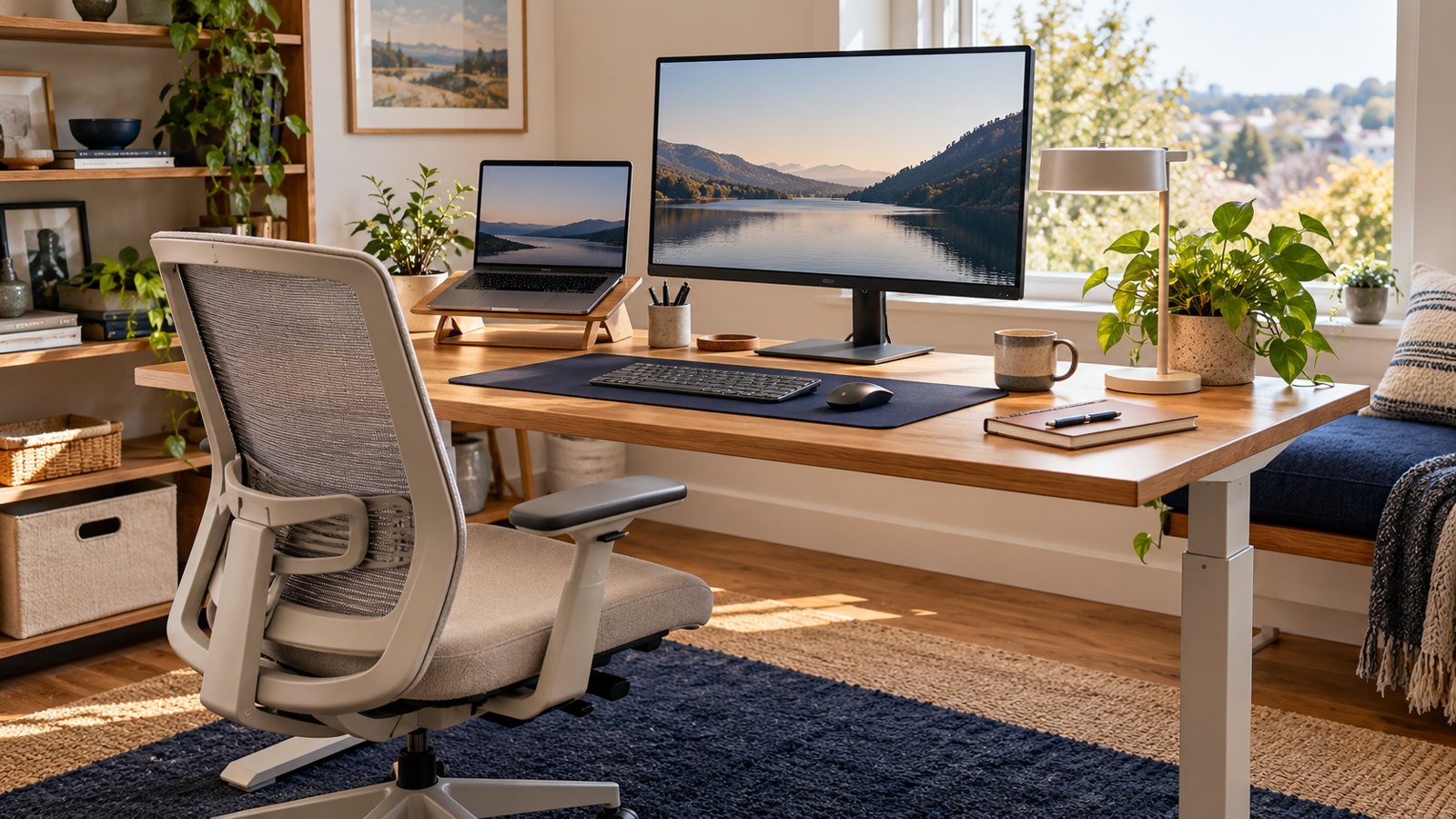
Prepared with AI assistance. Practical examples are illustrative, not hands-on test results. The featured image is an AI-generated editorial illustration of generic equipment, not an exact branded product photograph.
Quick answer: Start with the accessory that corrects a measured mismatch—often a laptop stand, external keyboard, footrest or monitor riser.
Cheap accessories help when they solve a specific fit problem. Buying a collection of ergonomic products without adjusting the workstation rarely improves comfort.
What matters most
- Adjust before buying
- Solve one mismatch
- Keep wrists neutral
- Support feet when needed
A practical step-by-step approach
1. Observe your posture
Notice screen height, shoulder tension, wrist angle and foot support.
2. Measure the mismatch
Identify whether the chair, desk, screen or input device causes the issue.
3. Choose one accessory
Choose the least expensive reliable fix that targets that cause.
4. Adjust gradually
Change one variable at a time and avoid rigid posture.
5. Reassess after a week
Keep the item only if comfort or usability improves.
Try it in practice
Buy for one measured problem
If the laptop screen is too low, test raising it while using a separate keyboard and mouse. If reach is uncomfortable, rearrange the input devices first. Compare local total prices; a budget title is not a guarantee that every item stays below that amount.
Illustrative exercise, not a measured test result.
What to check before you decide
Compare accessories by adjustability, stability, materials, dimensions, return policy and the problem they actually solve.
- Correct fit
- Stable construction
- Easy adjustment
- Useful dimensions
- Good return terms
Common mistakes to avoid
- Buying by label alone
- Using wrist rests while typing
- Raising a laptop without external input devices
- Expecting products to replace movement
A question worth asking
Are ergonomic labels enough?
No. Fit, adjustability and your actual workspace determine usefulness. Check dimensions and return terms before buying.
Your next step
Spend based on a diagnosed fit issue, not a generic checklist. Small, targeted adjustments often create the best return.
Further reading
For additional guidance and context, consult OSHA: computer workstation guidance. Check how the guidance applies to your organisation, country and specific task.