Affiliate disclosure: As an Amazon Associate I earn from qualifying purchases. Shopping buttons open Amazon.com searches; check the exact item and regional delivery before buying.
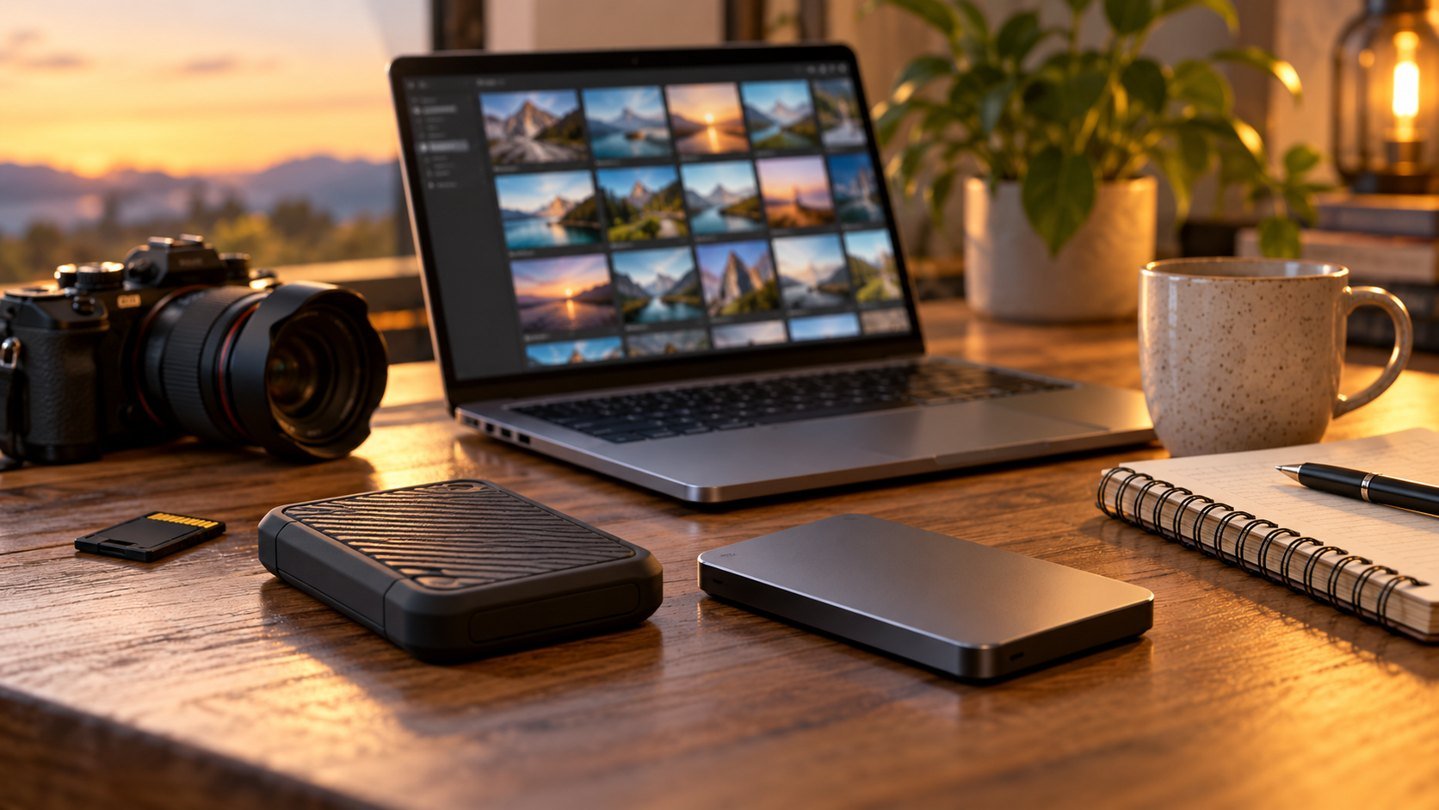
Prepared with AI assistance. Practical examples are illustrative, not hands-on test results. The featured image is an AI-generated editorial illustration of generic equipment, not an exact branded product photograph.
Your finished video is not your whole project. The editable timeline, voiceover, source images, captions and notes may be what you need when a client requests a change. A useful backup system preserves the work required to reproduce the deliverable, not just the final export.
Build a recoverable project folder
Start each project with a dated folder and a short readable name. Use separate subfolders for source material, working files and approved exports. Keep a plain-text project note listing the software used, important settings and where any licensed source material came from.
For AI-generated assets, save the selected outputs locally when permitted, along with the prompt and generation date. Treat a prompt as helpful context rather than a guarantee that you can recreate the same image. Service history and temporary download links should not be your only archive.
A practical folder plan
| Folder | What belongs there |
|---|---|
| 02-sources | Original images, audio and permitted references |
| 03-working | Editable documents and project files |
| 04-exports | Clearly named delivery versions |
| 05-records | Licence receipts and relevant permissions |
Use names that distinguish a review copy from an approved deliverable. For example, lesson-intro-v03-review.mp4 says more than final-final-new.mp4. Keep the naming rule short enough to follow when you are busy.
Keep copies that survive different problems
CISA describes the 3-2-1 approach as three copies, on two different media types, with one copy offsite. Use that as a planning framework: consider device failure, accidental deletion and losing everything kept in one room. Two folders on the same drive do not protect against that drive failing.
A portable SSD can be one destination. An approved offsite service or separately stored backup can address another risk. Check retention and restoration options; a synchronised deletion can affect copies if the system simply mirrors changes.
Create a weekly restore habit
Pick one completed project and restore a sample to a separate temporary folder. Open the project, confirm linked media is present and play part of the exported file. Do not overwrite the current working project during this test.
Record the date, what you restored and anything missing. If the project opens with missing-file warnings, fix the archive process before assuming other projects are safe. A successful upload notification proves less than a successful restore.
Choose storage around the workflow
The Samsung T7 Shield is one portable SSD candidate for a local copy. Measure your project library before selecting capacity, and include room for future versions. Check the computer connection and current manufacturer documentation rather than choosing by capacity alone.
For Mac users, Apple’s Time Machine guidance explains supported backup destinations and recovery. Follow the current instructions for your system. A creative-project folder copy and a system backup can serve different needs; decide what you expect each to restore.
Keep client material in approved locations
Use the storage and access rules agreed with the client or employer. Do not upload confidential documents or personal information to a consumer AI service simply to organise filenames. A local naming convention is often enough.
Restrict access to shared project folders and review links after delivery. Separate private source material from the public assets you intend to publish. A finished portfolio image does not make every input file suitable for public sharing.
An end-of-project checklist
Before archiving, verify the final export, the editable source and the dependent media. Keep the approval record and licence evidence where applicable. Confirm at least one restore, then record where the backup copies live.
Only remove disposable exports once the archive is complete and your retention requirements allow it. Storage cleanup is easier when the project structure tells you which files have a purpose.
Common questions
Can I just regenerate an AI image later?
Do not rely on that. Save the chosen output and relevant project context; identical results are not guaranteed.
Is cloud sync enough?
It depends on version history, retention and recovery. Check whether you can recover an accidental deletion or overwritten file.
How often should I back up?
Choose a frequency based on how much work you can afford to redo, then test that the routine actually runs.
Explore suitable equipment
These are options to investigate, not a ranked list of tested winners. Specifications, compatibility and availability can change. For readers outside the US, compare local delivery, warranty and total cost.
- Search Amazon.com for Samsung T7 Shield external SSD
- Search Amazon.com for external hard drive backup
Keep building your setup
- Samsung T7 Shield: An External SSD Guide for Everyday Work
- How to Fact-Check AI Answers in Five Minutes
- External SSD Running Slowly? Find the Bottleneck Before Upgrading
- Online Teaching Setup: Clear Audio, Readable Lessons, Less Gear