Affiliate disclosure: As an Amazon Associate I earn from qualifying purchases. Shopping buttons open Amazon.com searches; check the exact item and regional delivery before buying.
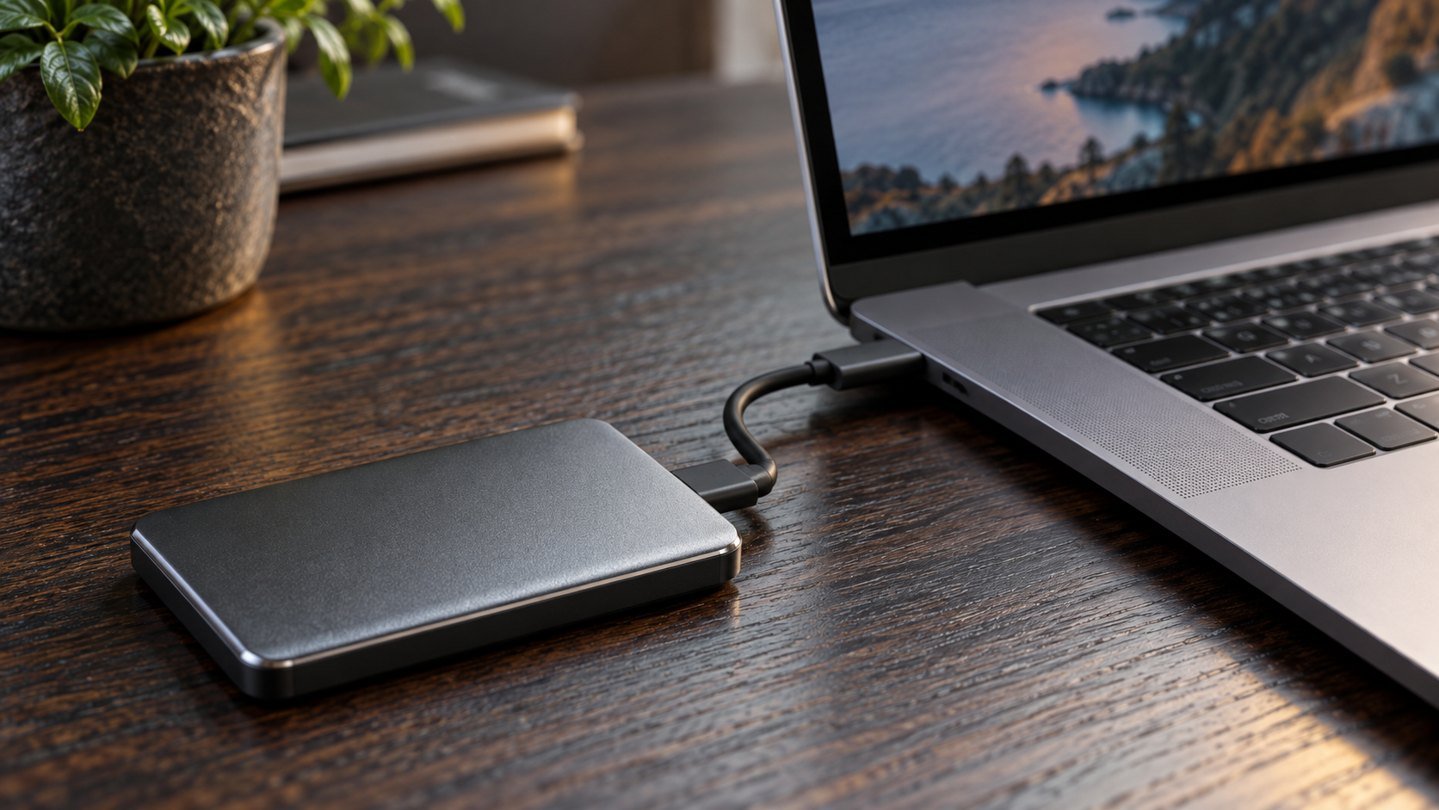
Prepared with AI assistance. Practical examples are illustrative, not hands-on test results. The featured image is an AI-generated editorial illustration of generic equipment, not an exact branded product photograph.
Quick answer: The Samsung T7 Shield is worth considering for portable file storage when its capacity and connections fit your computer. Decide whether the drive will hold working files, a second copy or an archive. Moving your only copy onto an external SSD does not create a backup.
“Not enough space” describes several different problems. A laptop may be full of disposable downloads, a growing photo collection or files that need to travel between computers. Each situation calls for a slightly different plan.
An external SSD is useful when it fits that plan. This guide covers the T7 Shield as a specific option and explains the decisions that matter more than an impressive speed claim. It is not a hands-on benchmark.
What Samsung specifies
Samsung’s T7 Shield 1TB product information lists USB 3.2 Gen 2, an IP65 rating and advertised maximum sequential speeds of 1,050MB/s read and 1,000MB/s write. These are manufacturer figures, not guaranteed transfer speeds on your computer.
Check the selected capacity, included cables and exact model in the listing. Do not confuse T7 Shield with another drive in the T7 family. This guide does not assume that every capacity or seller offers the same bundle.
Choose a job for the drive
| Intended role | What success looks like |
|---|---|
| Working drive | Active files are accessible in your normal workflow |
| Backup destination | You can restore a separate copy when needed |
| Transfer drive | Files move reliably between approved computers |
| Archive | Older material remains organized and retrievable |
One drive can contain different folders, but that does not create independent protection from losing the device. Be clear about where the other copy of important material lives.
FitOnear’s cloud storage versus external drive guide helps compare local access with other storage approaches. The useful answer may involve more than one location rather than choosing a single winner.
Estimate capacity from real files
Start by checking the size of the folders you intend to store. Then consider how much similar material you create during a normal month. Leave room for growth and any version history your chosen workflow keeps.
Do not buy a larger drive simply to avoid deciding what is worth keeping. Duplicate installers, obsolete exports and repeated downloads can make a storage problem look larger than it is. Clean up obvious clutter before measuring your requirement.
At the same time, avoid a capacity that is already nearly full on day one. The right size gives your routine room to operate without paying for a large reserve you have no realistic use for.
Why actual speed varies
The drive is one part of the transfer path. Your computer’s port, cable, source storage and file workload all influence the result. Thousands of small files are a different task from one large file.
Compare the exact port specification on your computer with the drive’s requirements. If you use a hub, include it in the check. Paying for a faster external drive does not remove a slower link elsewhere in the setup.
Evaluate with your own files after delivery. Copy a representative folder, open several files and confirm that the result supports your work. Avoid treating a single peak speed as the entire buying decision.
Build a restore routine, not just a copy routine
Decide which folders matter, how often they change and where an additional copy should exist. Use a repeatable process and check its outcome. Periodically restore a sample file to a different location and open it.
For company documents, follow your organization’s approved storage and encryption process. Do not copy work data to a personal drive merely because there is space available. FitOnear’s remote-work security checklist puts that decision in a broader working context.
A rugged exterior is helpful as a design feature, but it is not a promise against loss, theft or every accident. Treat the drive as equipment that still needs careful handling and a sensible data plan.
Before you erase or reformat anything
Check the manufacturer’s setup guidance and your operating system’s storage instructions. Make sure you understand which disk you selected and whether it already contains files you need. Formatting can remove existing data.
If you intend to use the drive with several operating systems, decide on the required compatibility before loading your only copy of important documents. Test a small sample first. A few minutes of setup verification can avoid an inconvenient migration later.
Frequently asked questions
Is an external SSD a backup by itself?
Only if it holds a separate, usable copy of data that exists elsewhere. If you move the only copy from your laptop to the SSD, you have changed its location rather than duplicated it.
Will I always get the advertised transfer speed?
No. Manufacturer maximums do not guarantee the performance of your complete setup or every type of file transfer.
Should I buy the biggest capacity available?
Measure your current requirement and likely growth. Buy capacity for a defined purpose rather than using a larger drive as a substitute for organization.
The buying decision
Shortlist the T7 Shield when you need portable storage and have checked the connection, capacity and data routine. If the real problem is disorganized files, start there. A useful drive supports a system you can trust and a restore process you have actually tried.
Product information checked September 19, 2026. Specifications, versions and availability can change. Confirm the exact item, seller, delivery destination and return terms before ordering. For readers outside the United States, check shipping, regional compatibility and local warranty coverage.