Quick story · 8 cards · about 1 min
Remote Work Security Checklist for Nontechnical Teams

A clear security baseline covering updates, passwords, phishing, Wi-Fi, backups and incident reporting for remote teams.
What matters most
Use managed devices when possible
A practical step-by-step approach
Use unique passwords, a manager and phishing-resistant MFA where available.
Rehearse a lost-device response
Check how to report a missing laptop, who can revoke sessions and where recovery instructions are kept. Confirm updates, screen lock and backup status…
What to check before you decide
Compare controls by risk reduction, user burden, manageability, recovery and suitability for the team’s data.
Common mistakes to avoid
Blaming users for reporting
A question worth asking
No. Account protection, device updates, approved access methods and careful data handling still matter. Follow your employer’s requirements.
Want the deep dive?
Everything below has the full details, tables and FAQs. Save this post for when you start planning.
Next storyBrowser Extensions: A Security and Productivity ChecklistTap the sides or swipe to move · hold to pause · tap the half-circle icon to change the look
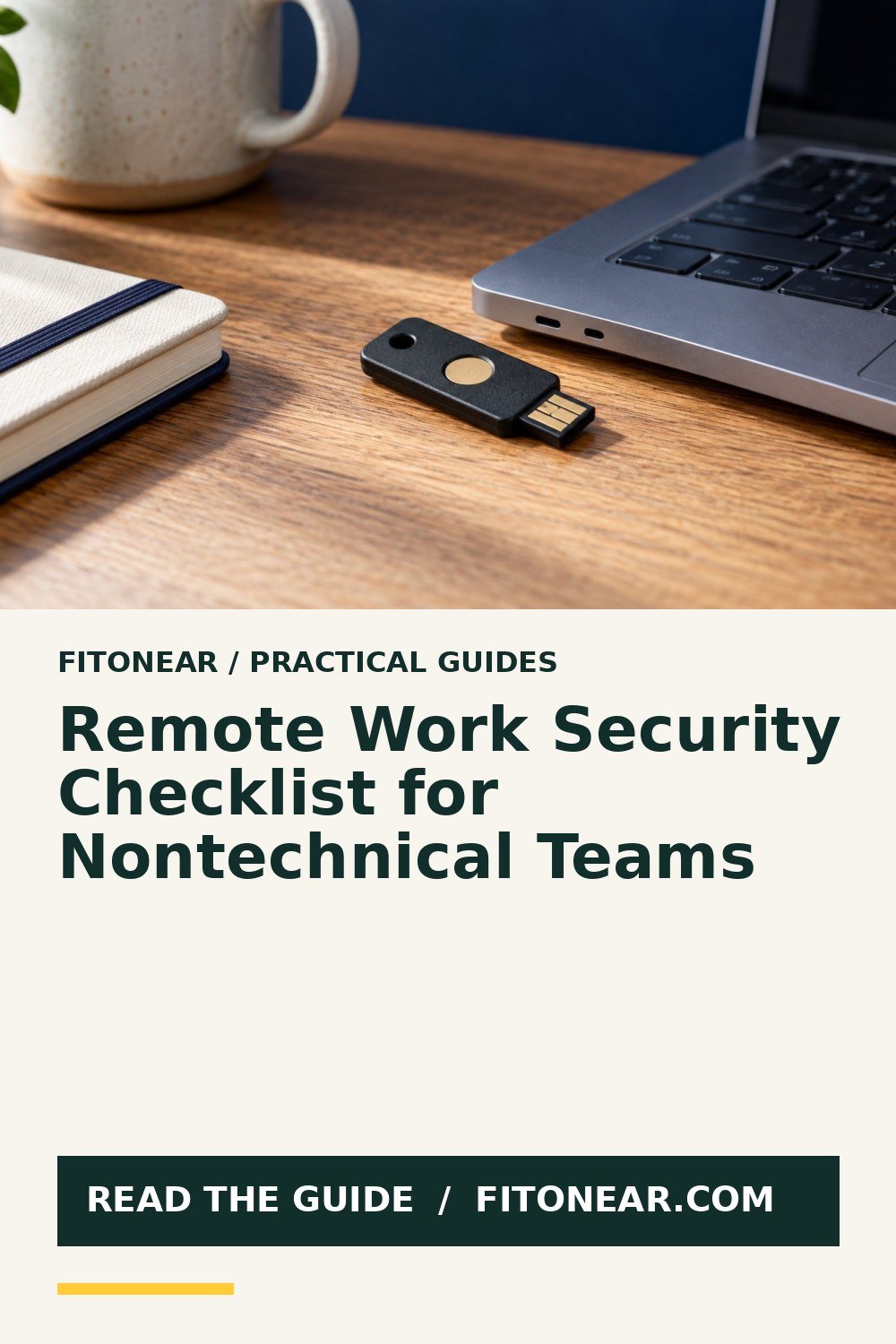
Prepared with AI assistance. Practical examples are illustrative, not hands-on test results. The featured image is an AI-generated editorial illustration of generic equipment, not an exact branded product photograph.
Quick answer: Protect remote work with managed updates, password managers, multi-factor authentication, encrypted devices, tested backups and a simple reporting process.
Security improves when safe actions are easier than unsafe workarounds. A short baseline applied consistently beats a long policy nobody follows.
What matters most
- Use managed devices when possible
- Turn on multi-factor authentication
- Back up important files
- Report mistakes quickly
A practical step-by-step approach
1. Secure accounts
Use unique passwords, a manager and phishing-resistant MFA where available.
2. Update devices
Enable automatic operating system, browser and application updates.
3. Protect networks
Change router defaults and avoid sensitive work on unknown public networks.
4. Back up data
Use approved storage and test recovery.
5. Practice incident reporting
Give staff one obvious channel for suspicious messages, lost devices or accidental sharing.
Try it in practice
Rehearse a lost-device response
Check how to report a missing laptop, who can revoke sessions and where recovery instructions are kept. Confirm updates, screen lock and backup status on approved devices. Practise the reporting route without triggering a real emergency action.
Illustrative exercise, not a measured test result.
What to check before you decide
Compare controls by risk reduction, user burden, manageability, recovery and suitability for the team’s data.
- Strong authentication
- Current software
- Encrypted device
- Reliable backup
- Fast reporting
Common mistakes to avoid
- Blaming users for reporting
- Sharing work devices
- Using personal email for company files
- Delaying updates indefinitely
A question worth asking
Is a VPN all I need?
No. Account protection, device updates, approved access methods and careful data handling still matter. Follow your employer’s requirements.
Your next step
Start with identity, updates and recovery. Make reporting safe and fast so small incidents can be contained before they become large ones.
Further reading
For additional guidance and context, consult CISA: Secure Our World. Check how the guidance applies to your organisation, country and specific task.
Get the Pinterest pin & social images
Ready-made graphics for this article: Pinterest 1000 × 1500; Facebook/X 1200 × 630. Download an image and add your own caption, or use the share buttons to open a composer.