Real desks. Real lives. Practical ideas for ordinary working days.
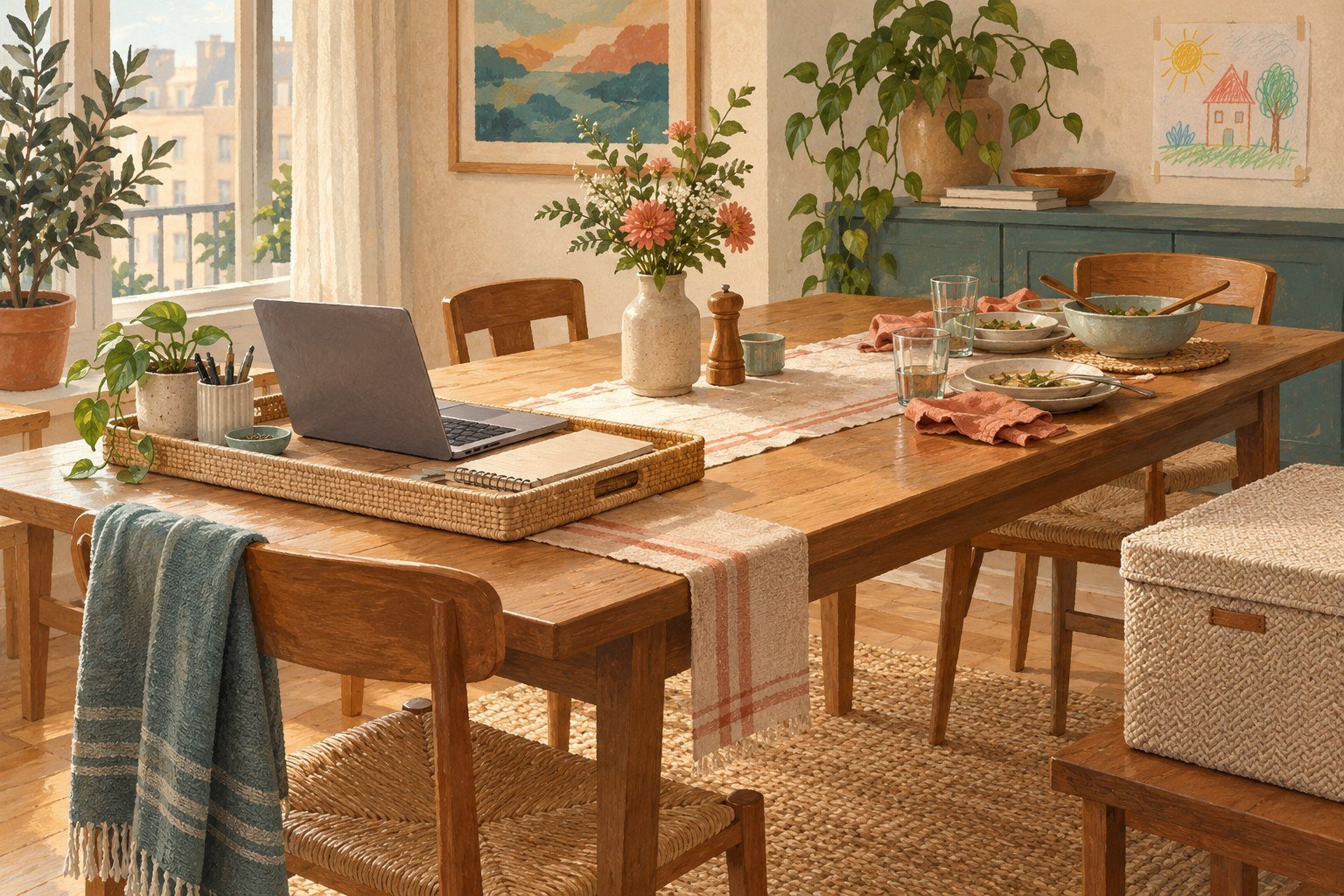
At nine, it holds a laptop. At four, homework. At seven, dinner.
Working at a dining table means the same surface has several jobs, often for several people. A cable can become an argument. A meeting can collide with someone making lunch. The difficulty isn’t always finding more storage; sometimes it is agreeing whose space this is, and when.
You do not need to apologise for having a home that people actually live in. You need a working arrangement everyone can understand.
Start with the people who share the room
Before measuring a tray, talk about time. When do calls usually happen? When does someone else need the table? Which interruptions are urgent, and which can wait until the current call ends?
A useful agreement sounds like: “I have a call from two until half past. After that I can move my things so you can use this end.” It offers a specific window, rather than asking everyone to be quiet indefinitely.
If your hours change often, a small daily note can be kinder than a complicated permanent system. People should not have to guess whether you are available.
Choose your work footprint
Set out only what you use during a normal work session: laptop, input devices, charging lead, notebook and perhaps headphones. Notice how much space that actually takes. Leave enough space to move comfortably and keep routes through the room clear.
Put occasional items in nearby storage instead of keeping them permanently on the table. Don’t run a cable across a walking route or place hot drinks beside shared electronics. If the table cannot support your daily work comfortably, raise that with your employer rather than treating a storage trick as the whole solution.
Give every work item a home for the evening
Choose a shelf, a basket or a cupboard that you already have. A container is useful only if it fits the items and the space where you will store it. Measure both before buying.
Keep a small pouch for loose adapters and cables. Store papers so confidential details aren’t left visible to visitors. Follow your employer’s requirements for devices and documents, and keep small accessories out of young children’s reach.
Our pack-away workspace guide covers the equipment side. This article’s priority is making the daily handover between people feel fair.
Make the handover easy enough to repeat
Use the same order: save your work, record the next action, shut down or lock the device as appropriate, unplug safely, store the loose items, and wipe the surface if needed. Carry equipment in manageable amounts rather than balancing a laptop and coffee on a tray.
Keep ventilation clear while equipment is running. Don’t put a warm, running laptop in a closed basket. Check the device manufacturer’s instructions for shutdown, transport and storage.
The aim isn’t a dramatic nightly transformation. It is being able to serve dinner without moving somebody’s entire workday first.
When a call and home life overlap
Pick one predictable place for calls, if possible. Test what the microphone actually picks up before assuming a household member must whisper. Use headphones where practical and protect confidential conversations according to your workplace policy.
For a planned interruption, agree a simple signal. For an unexpected one, use a sentence you can say without blame: “I need two minutes to finish this call, then I can help.” There will still be days when the arrangement fails. Adjust the agreement rather than declaring the home unsuitable.
Comfort still matters in a temporary setup
A temporary workstation can become an everyday workstation almost without notice. Review how you sit, reach and see the screen. Change activities during the day rather than remaining in the same position for long stretches.
HSE’s home-working screen guidance is a useful starting resource. Your employer’s assessment and local requirements may differ. A basket cannot compensate for a work surface that doesn’t suit you.
A table can hold more than one part of a life
At the end of work, return one familiar household object to the cleared surface: a fruit bowl, placemats or the book somebody was reading. Let the room have a visible next purpose.
You don’t need a spare room to deserve a workable day. You need a little physical space, a clear agreement and somewhere for work to go when the table is needed again.
What does your dining table become after work? Share your arrangement with someone working in a shared room. For planning the equipment you keep, use our compatibility checklist.
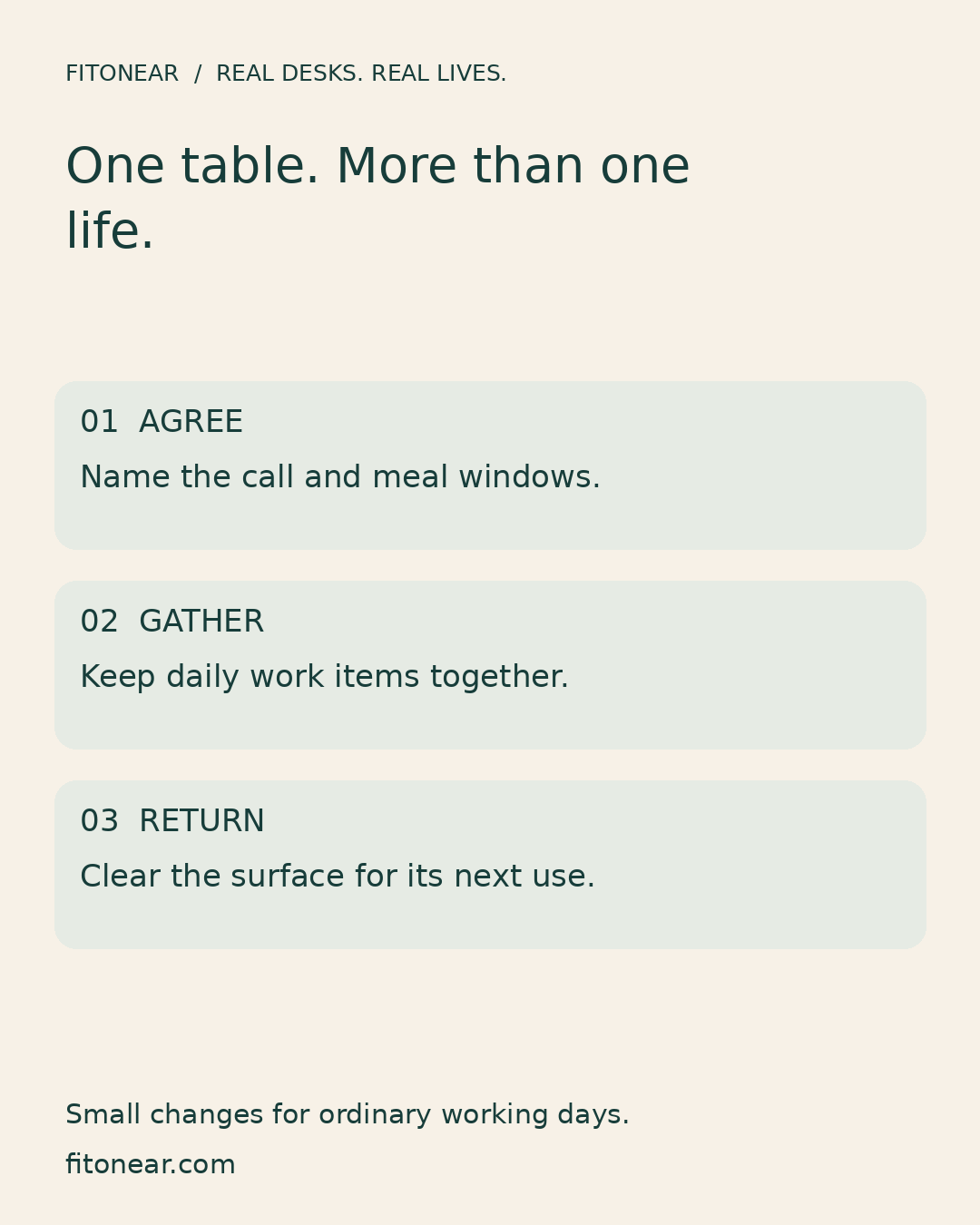
Prepared with AI assistance and edited for this FitOnear series. The featured illustration is AI-generated editorial artwork, not a product photograph or hands-on test. The checklist graphic is an original FitOnear layout.
Sources, scope and updates
This is an original FitOnear editorial exercise informed by HSE guidance on working with screens at home. The household examples are illustrative, not reader testimonials or measured results. AI-generated artwork is illustrative and does not document a tested product.
Reviewed October 31, 2026: clarified audience, limits, evidence and shopping purpose. No live product price or availability is asserted. Any optional Amazon search is a category search, not an exact-product recommendation or a current offer.
Continue the Real desks. Real lives. series
Get the Pinterest pin & social images
Ready-made graphics for this article: Pinterest 1000 × 1500; Facebook/X 1200 × 630. Download an image and add your own caption, or use the share buttons to open a composer.