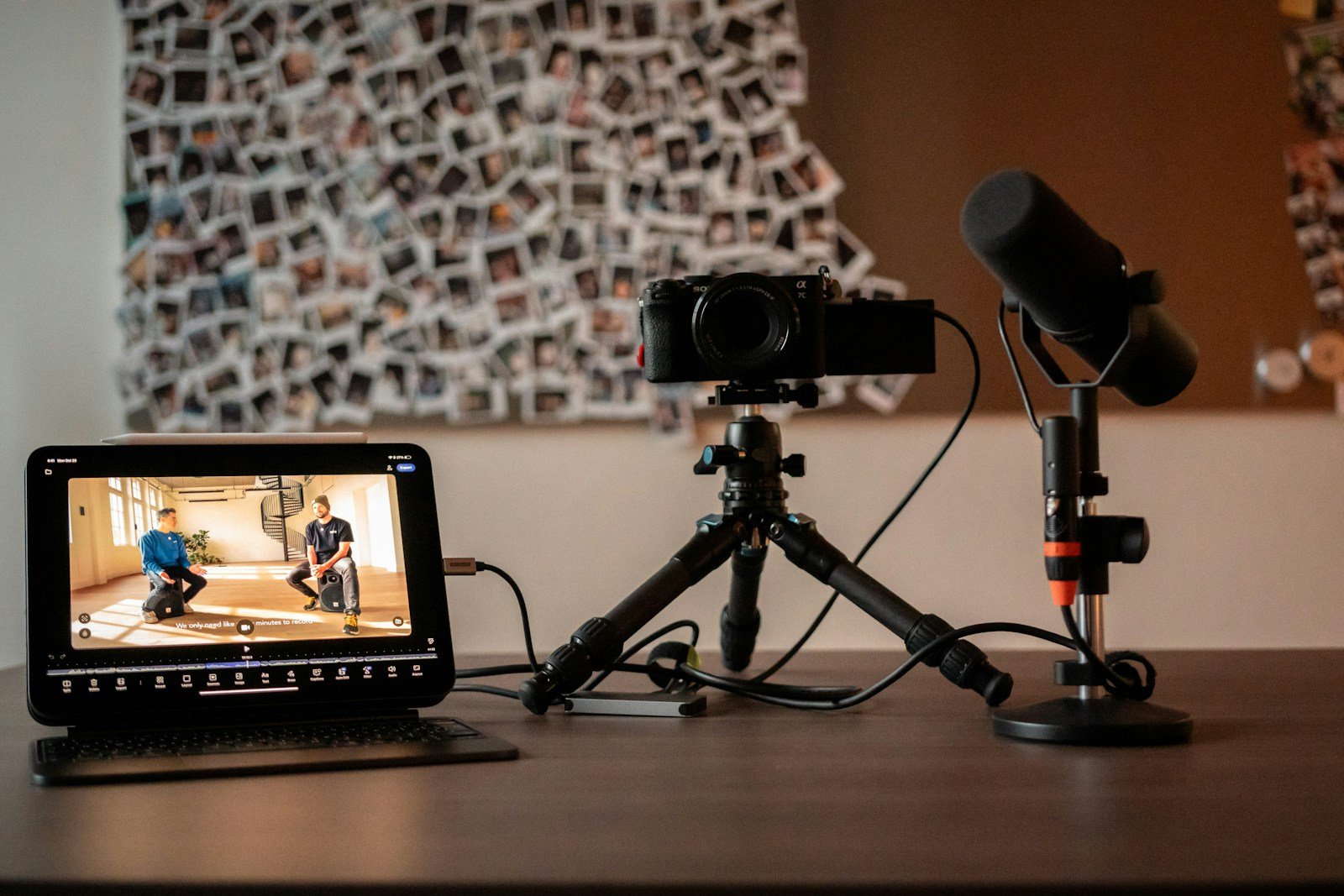
Search “YouTube setup for beginners” and you’ll find $5,000 shopping lists. But when we put the published gear lists of three of YouTube’s biggest productivity creators side by side, they agree on something far simpler: sound first, light second, camera last. This guide turns that agreement into three setups you can actually buy, plus the room fixes that cost nothing.
The order every creator agrees on
All three productivity creators we compared say audio is the first upgrade. Two of them use the same shotgun mic, the Sennheiser MKH 416.
Each relies on one strong LED in a large softbox or dome rather than many small lights.
The Sigma 16mm f/1.4 is the one product on all three productivity creators’ lists.
All three say you don’t need any of this to begin. Upgrade once you’re committed.
Three beginner YouTube setups by budget
| Starter (~$150–$300) | Desk creator (~$700–$1,000) | Serious beginner (~$1,500–$2,000) | |
|---|---|---|---|
| Camera | Your phone (rear camera) on a tripod | Phone, or a good webcam for talking-head desk videos | Sony ZV-E10 II or similar APS-C mirrorless |
| Lens | — | — | Sigma 16mm f/1.4 (on all three lists) |
| Microphone | Wireless lavalier or a USB mic | USB/XLR dynamic mic such as the Audio-Technica ATR2100x-USB or Shure MV7+ | Rode VideoMic Pro+ on camera, or a dynamic mic on a boom arm |
| Light | Face a window; add a small LED panel | Godox SL60W in a large softbox | Same key light plus a small background light |
| Extras | Phone tripod and clamp | Boom arm, foam panels or a rug for echo | Camera dummy battery, capture card or long USB-C cable |
Setup 1: The phone starter (about $150–$300)
Modern phones shoot excellent 4K video. Use the rear camera, lock exposure and focus, and shoot at eye level. Your money goes into what the phone can’t fix: sound and light.
- Mic: a wireless lavalier clipped 15–20 cm (6–8 in) below your chin, or a USB mic just out of frame.
- Light: face a window during the day. Add a small LED panel at about 45° for consistency.
- Stability: a phone tripod with a clamp.
Setup 2: The desk creator (about $700–$1,000)
If you film at your desk (tutorials, commentary, screen-recordings with a face cam), a desk mic and one big light do the most work. Thomas Frank recommends the Audio-Technica ATR2100x-USB as a budget desk mic, and Ali Abdaal’s main key light is the Godox SL60W.
- Mic: a dynamic mic on a boom arm. Dynamic mics pick up less room echo than condensers, which suits untreated rooms. Our Shure MV7+ vs Elgato Wave:3 comparison explains the trade-off.
- Light: one LED in a large softbox, placed slightly above eye level and about 45° to one side.
- Room: a rug, curtains or a few acoustic panels behind you cut echo more than any plugin.
Setup 3: The serious beginner (about $1,500–$2,000)
Once you’ve published regularly, a mirrorless camera with a fast lens gives you the blurred background and low-light performance phones still struggle with. The consensus setup from our creator comparison pairs a Sony ZV-E10 II with the Sigma 16mm f/1.4, the one product on all three productivity creators’ lists.
- Camera power: use a dummy battery so the camera doesn’t die mid-take.
- Recording: many creators record audio separately and sync in the edit for a safety copy.
- Backup: raw footage fills drives fast. See our creator file backup guide.
Free fixes that improve every setup
- Get the mic closer. Halving the distance to your mouth improves clarity more than doubling the price of the mic.
- Kill the echo. Film in the room with the most soft furniture. Add a rug and close curtains.
- Light your face, not the room. Never sit with a bright window behind you. See our lighting guide.
- Camera at eye level, about an arm’s length away, with a little headroom above you.
- Lock settings. Fix exposure, focus and white balance so the image doesn’t drift mid-sentence.
Our picks
Thomas Frank’s budget desk mic. USB and XLR, so it grows with you.
See ATR2100x on AmazonAli Abdaal’s main key light. One soft source flatters more than several small ones.
See SL60W on AmazonThe only item on all three productivity creators’ lists. Pairs with Sony APS-C cameras like the ZV-E10 II.
See Sigma 16mm on AmazonWant a list for your budget and room? Try the free YouTube Setup Builder.
Frequently asked questions
What equipment do I need to start a YouTube channel?
A phone, a microphone close to your mouth and one soft light source are enough. The creators we compared all say to start with what you have and upgrade audio first.
What should I buy first for YouTube: camera or microphone?
Microphone. Viewers tolerate average video but click away from bad audio. Then a large soft light, then a better lens, then a camera.
Is a phone good enough for YouTube?
Yes. Use the rear camera, lock exposure and focus, and pair it with a good mic and light. Many channels grow to thousands of subscribers on a phone.
How much does a beginner YouTube setup cost?
About $150–$300 for a phone-based setup with a mic and light, $700–$1,000 for a desk setup with a dynamic mic and softbox, and $1,500–$2,000 with a mirrorless camera and fast lens.
What camera do most YouTubers use?
Among the creators we compared, full-frame Sony bodies (A7S III, A7 III) and a Canon C70 are common. For beginners they point to APS-C bodies like the Sony ZV-E10 II or A6400.
Build your setup in two minutes
Answer a few questions and get a gear list for your budget and room.
Open the Setup Builder