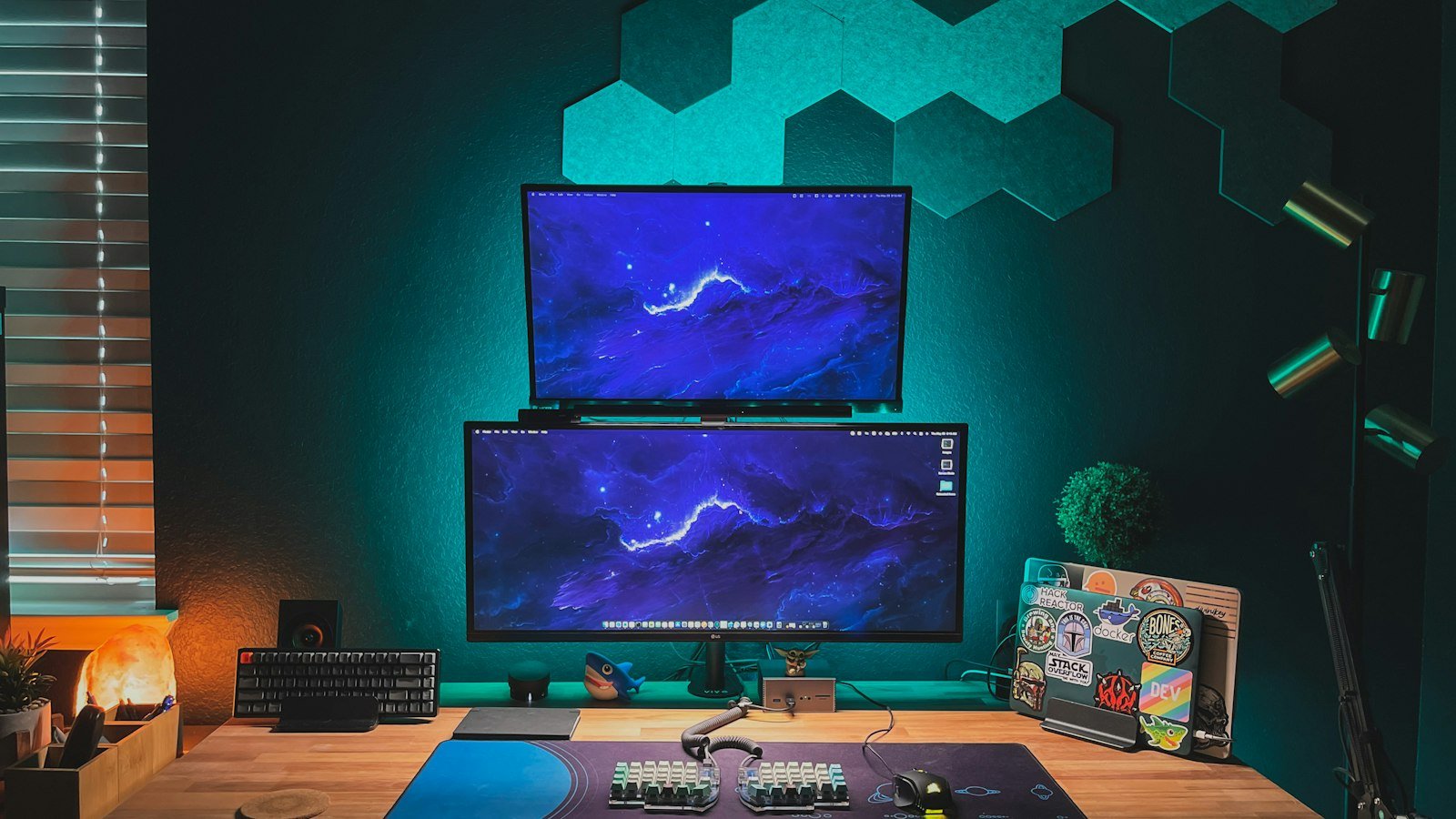
Kent C. Dodds and Wes Bos are two of the most-followed JavaScript educators, and both spend their days writing code and recording it. They’ve each built a desk that works as a developer workstation and a small video studio. Their choices differ in the details, but they land on the same handful of ideas, and those ideas are the useful part for anyone setting up a developer desk.
Side-by-side comparison
| Kent C. Dodds | Wes Bos | |
|---|---|---|
| Computer | MacBook Pro 16″ (M4 Max) | MacBook Pro 16″ (M1 Max) |
| Monitors | 2× LG UltraFine 5K 27″ | BenQ RD280U 28.2″ (3:2) + BenQ RD320UA 32″ vertical |
| Dock | OWC Thunderbolt 3 Dock | CalDigit TS4 |
| Keyboard | Apple Magic Keyboard (compact) | Apple keyboard with number pad |
| Pointing | Apple Magic Trackpad | Logitech MX Master |
| Camera | Sony FX3 + Sony FX30 via Cam Link 4K | Sony RX100 III via AVerMedia capture card |
| Lights | amaran 100x S + amaran P60x | 2× amaran 150c + RGB floodlights |
| Audio | Sennheiser MKH 50 into Sony XLR-K3M | dbx 286s processor + UA Volt 1 |
| Editor | Cursor | VS Code |
| Storage | Synology DS1019+ NAS | Synology DS920+ NAS |
What they agree on
The shared developer setup, on a budget
Here’s how to copy their shared approach without their budget. These are FitOnear’s picks:
| Idea | Budget pick | Why | |
|---|---|---|---|
| One-cable dock | Anker USB-C docking station | Same single-cable desk, much cheaper | View on Amazon |
| Sharp screen space | Samsung 27″ QHD monitor | Big step up from a laptop screen for code | View on Amazon |
| Camera as webcam | Sony ZV-E10 II | Plugs in as a USB webcam, no capture card | View on Amazon |
| amaran-style light | amaran 100x S | The same light Kent uses for his face | View on Amazon |
| Quiet input | Logitech MX Master 3S | Wes’ mouse brand; near-silent clicks | View on Amazon |
| Good voice audio | FIFINE K688 | USB/XLR mic that grows with you | View on Amazon |
See each full setup
Read the breakdown → Wes Bos3:2 and vertical monitors, a butcher-block desk and quiet input.
Read the breakdown → Productivity YouTubersAli Abdaal vs Thomas Frank vs Jeff Su.
Read the comparison →
Frequently asked questions
What is a /uses page?
A page on a developer’s personal website listing the hardware, software and tools they use. Wes Bos popularised the idea, and many developers now publish one.
What laptop do Kent C. Dodds and Wes Bos use?
Both use a 16-inch MacBook Pro: Kent’s is a 2024 M4 Max and Wes’ is an M1 Max, according to their /uses pages.
Do developers need a mechanical keyboard?
Not necessarily. Neither Kent nor Wes lists one; both use Apple keyboards, and Wes notes mechanical keyboards are too loud for his recordings.
What’s the most useful upgrade for a developer desk?
Based on both setups: a single-cable dock and a good external monitor. They make the biggest daily difference for the money.