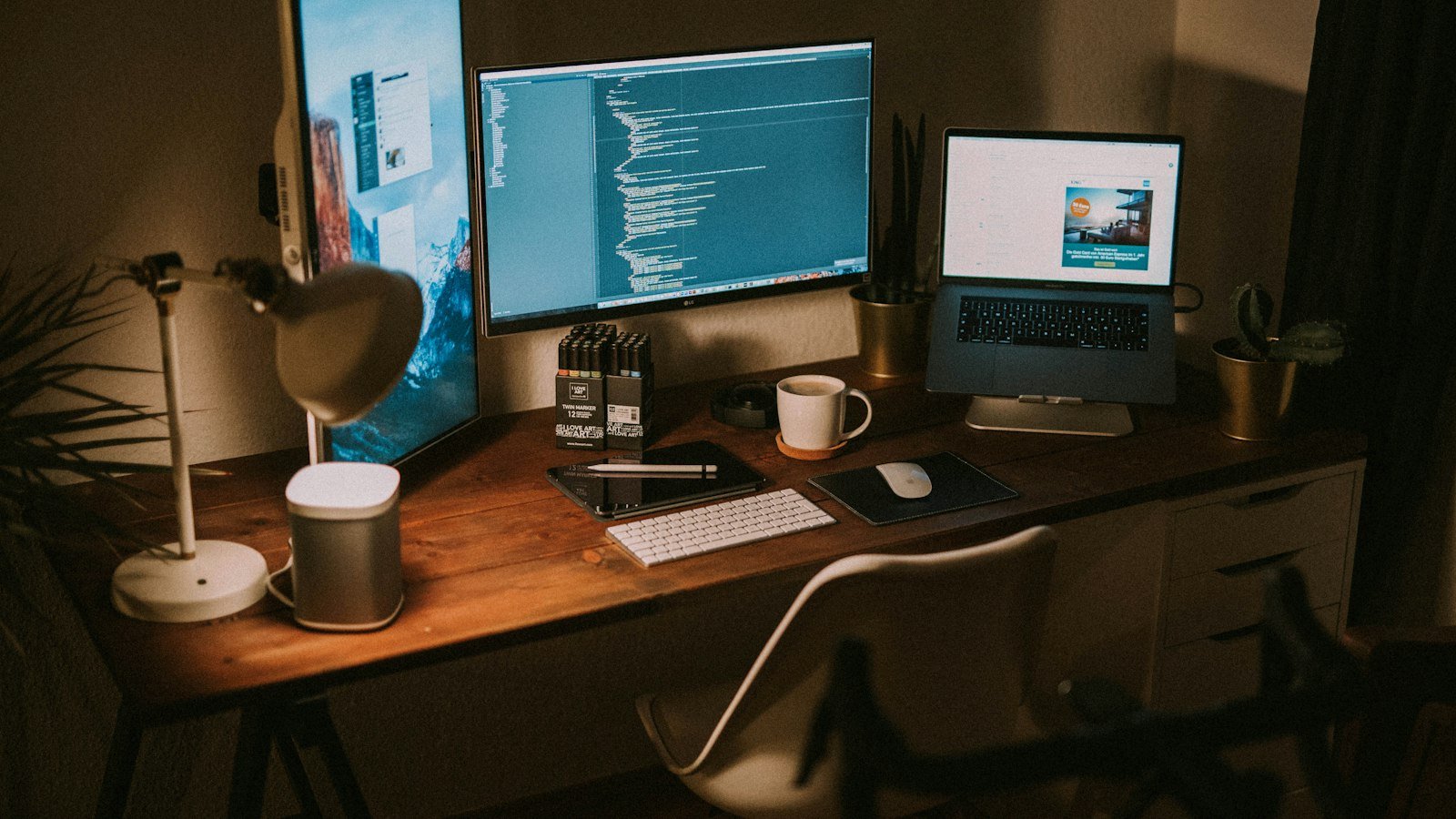
Kent C. Dodds is one of the best-known JavaScript and React educators, the creator of Epic React and Epic Web, and a full-time course creator. That means his desk is both a developer workstation and a video studio. His setup is a great model for anyone who codes and records: one cable into the laptop, cinema cameras acting as webcams, and a teleprompter so he can look into the lens while reading his screen.
How his studio works
The clever part of Kent’s setup is how it all connects. Instead of a webcam, he runs two Sony cinema cameras through capture devices so they appear on his computer as normal webcams, with a teleprompter in front of the main camera.
Desk setup
| Gear | How Kent uses it | |
|---|---|---|
| MacBook Pro 16″ (2024, M4 Max) | His main computer, with 128GB memory and the nano-texture display | View on Amazon |
| LG UltraFine 5K 27″ (27MD5KL-B) | Two of these as his main displays | View on Amazon |
| OWC Thunderbolt 3 Dock | Every cable meets here; one cable goes to the laptop | View on Amazon |
| Apple Magic Keyboard with Touch ID | The compact version, no number pad | View on Amazon |
| Apple Magic Trackpad | He uses a trackpad instead of a mouse | View on Amazon |
| Bose Companion 2 Series III | Desk speakers on either side | View on Amazon |
| Audio-Technica ATH-M50x | Headphones for when he needs them | View on Amazon |
| Imprint CumulusPRO anti-fatigue mat | Used when he works at his standing desk | View on Amazon |
| Revbalance 101 V2 balance board | Keeps him moving while standing | View on Amazon |
Cameras
| Gear | How Kent uses it | |
|---|---|---|
| Sony FX3 | Primary camera (full-frame Cinema Line) | View on Amazon |
| Sigma 35mm F1.4 DG HSM Art (Sony E) | Primary lens | View on Amazon |
| Sony FX30 | Second-angle camera | View on Amazon |
| Sigma 24mm F1.4 DG DN Art (Sony E) | Lens for the second angle | View on Amazon |
| Elgato Cam Link 4K | Makes each camera work as a USB webcam (he has two) | View on Amazon |
| Elgato Prompter | Teleprompter so he can read his screen while looking into the lens | View on Amazon |
| Dummy battery for Sony cameras | Powers the cameras all day without battery swaps | View on Amazon |
| iFootage Spider Crab arm + NEEWER clamp | Mounts the cameras to his desk | View on Amazon |
Lighting and audio
| Gear | How Kent uses it | |
|---|---|---|
| amaran 100x S | His face (key) light | View on Amazon |
| NEEWER 33″ parabolic softbox | Softens the key light | View on Amazon |
| Aputure amaran P60x | Hair light behind him | View on Amazon |
| Selens wall-mount triangle boom arm | Wall mount for both the softbox and the mic | View on Amazon |
| Sennheiser MKH 50 P48 | His microphone (super-cardioid condenser) | View on Amazon |
| Sony XLR-K3M | Feeds the mic straight into the camera | View on Amazon |
| Mogami Gold Studio mic cable | XLR cable for the mic | View on Amazon |
| Acoustic panels (12″×12″, 50-pack) | He mounted these on cut yard signs to treat the room | View on Amazon |
His software and AI tools
Kent’s page also lists the apps he relies on. A few highlights that stand out for productivity-minded developers: he codes in Cursor (an AI-first editor) with the Night Owl theme and Dank Mono font, uses Wispr Flow for AI voice-to-text, Raycast as a launcher, and records with ScreenFlow and OBS.
The budget version
| Instead of | Try | |
|---|---|---|
| Sony FX3 + Cam Link | Sony ZV-E10 II: works as a USB webcam directly, no capture card needed | View on Amazon |
| Or skip the camera | Logitech Brio 500: a solid webcam for calls and screen recordings | View on Amazon |
| Sennheiser MKH 50 | FIFINE K688 on a boom arm: USB/XLR, close to your mouth | View on Amazon |
| amaran 100x S + parabolic softbox | Neewer softbox lighting kit | View on Amazon |
| Two LG 5K displays | Samsung 27″ QHD monitor | View on Amazon |
| OWC dock | Anker USB-C docking station: still one cable to the laptop | View on Amazon |
Frequently asked questions
What camera does Kent C. Dodds use?
According to his /uses page, a Sony FX3 with a Sigma 35mm F1.4 Art lens as his main camera, and a Sony FX30 with a Sigma 24mm F1.4 Art for a second angle. Both connect to his Mac through Elgato Cam Link 4K devices.
What microphone does Kent C. Dodds use?
A Sennheiser MKH 50 P48 condenser mic on a wall-mounted boom arm, fed into his camera through a Sony XLR-K3M adapter.
What monitors does Kent C. Dodds use?
Two LG UltraFine 5K 27-inch displays, connected to a 16-inch M4 Max MacBook Pro through an OWC Thunderbolt 3 dock.
What code editor does Kent C. Dodds use?
He lists Cursor as his preferred editor, with the Night Owl theme and the Dank Mono font.
Build your own developer studio
See our Power User Desk and Faceless & Tutorial Channel bundles.
Browse bundlesAlso see: Wes Bos’ setup · Developer YouTuber setups compared · Productivity YouTuber gear compared