Real desks. Real lives. Practical ideas for ordinary working days.
There is a particular kind of disappointment that arrives after scrolling through beautiful desks.
You look away from the screen and back at your own table. There is a charger across the corner, yesterday’s cup beside the mouse and a chair that came with the apartment. Somehow, a place where you have done perfectly good work begins to feel inadequate.
A practical home office starts with a different question: what keeps interrupting your day? The answer might be glare, a cable that falls behind the table, or nowhere to rest your feet. It probably isn’t the colour of your keyboard.
A desk can be ordinary and still take good care of you
A beautiful setup can be enjoyable. The problem begins when a photograph becomes a shopping list before you have identified a problem. A large screen that crowds your table may be less useful than your existing laptop. A lamp that looks lovely might reflect straight into the display.
Try describing your workspace without judging its appearance: “I work here for reports and calls. I need space for a notebook. My mouse keeps hitting the charger.” That description gives you something you can change.
The three annoyances exercise
On your next working day, keep a small piece of paper beside you. Write down three moments when the setup gets in your way. Be specific: “The afternoon sun makes the spreadsheet hard to read” is more useful than “I need a better office.”
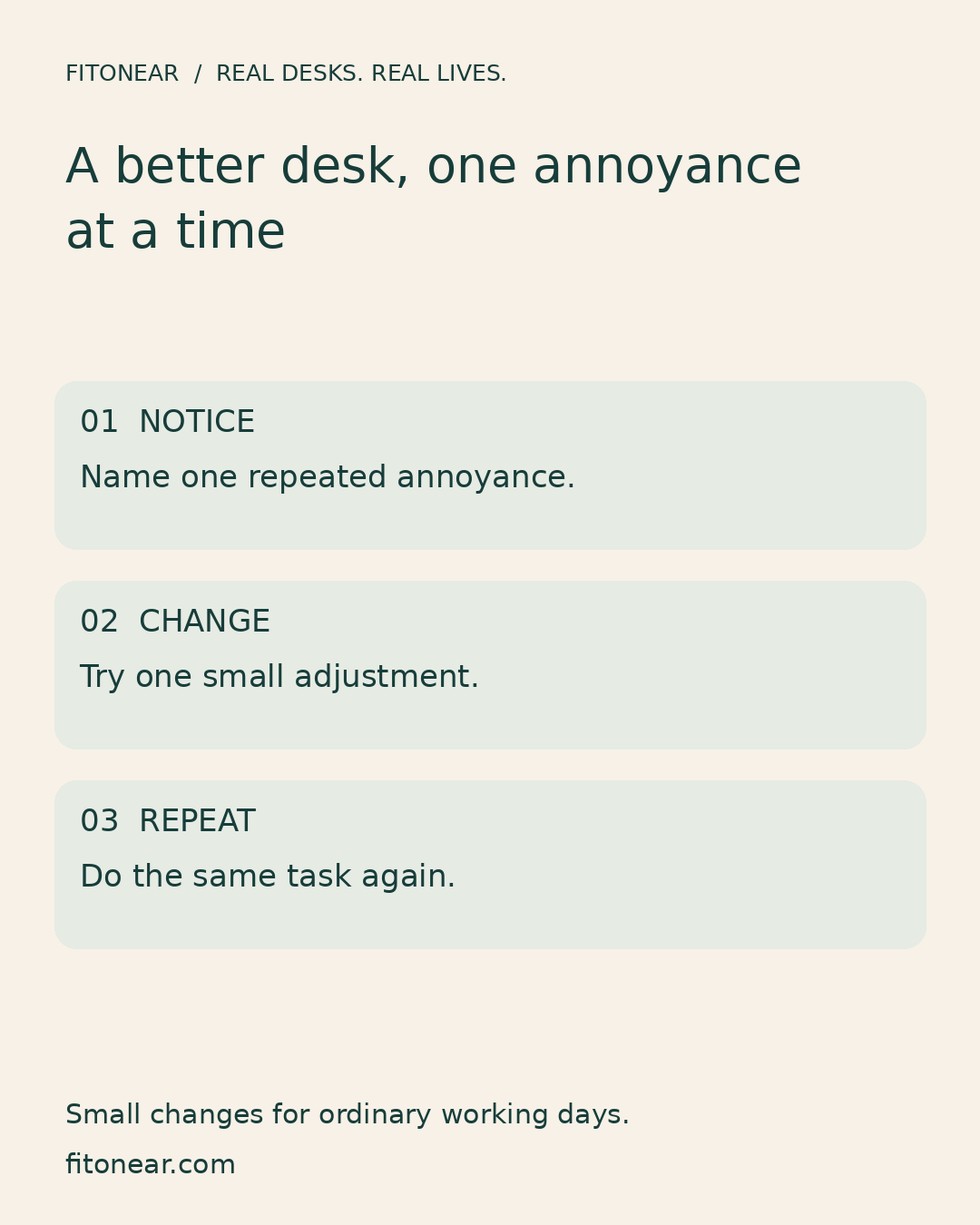
Choose the annoyance that happens most often. Change one thing, then repeat the task. Move the screen to reduce glare. Bring the mouse closer. Route the charging lead away from your writing hand. If it helps, keep it. If it doesn’t, undo it before buying something.
Put comfort ahead of decoration
Start with enough room for your legs and the things you use repeatedly. Keep the keyboard and mouse where you can reach them without stretching. Adjust the screen so you can read comfortably. For longer laptop sessions, a separate keyboard and mouse can let you position the screen independently; lifting a laptop while continuing to type on its raised keyboard can create a new problem.
These are general starting points, not a promise that one arrangement suits every body. OSHA’s computer-workstation guidance explains how components work together. Ask for an individual assessment if your work setup is causing persistent difficulties.
A spending rule that protects your budget
Finish this sentence before shopping: “I need this item because ___ happens when I ___.” If you cannot fill in both spaces, keep the item on a wish list for now.
“I need reusable ties because my charging cable catches my notebook when I move it” is a testable reason. “Everyone has them” is a feeling, and it doesn’t need to become an order.
Before changing docks or displays, use our Home Office Compatibility Checklist. For the loose leads you already own, start with the desk cable management guide.
Try this before your next working day
- Return items you don’t use for work to their usual homes.
- Make room for your keyboard, mouse and one current task.
- Change the single annoyance you noticed most often.
- Leave one thing you like: a photograph, a plant or your familiar mug.
- Write tomorrow’s first small action on paper.
There is no score to reach. You are looking for one less interruption.
Let the desk belong to your life
A shared table, a second-hand chair and an old laptop can hold serious work. They can also hold evidence of the people who live there. Your child’s drawing does not need to disappear so your workspace looks professional to strangers.
The most useful before-and-after is the task that feels easier tomorrow.
What is the smallest change that made your working day easier? Share the fix, including the free ones. Somebody with a desk like yours may need exactly that idea.
For a broader plan, browse our Home Office Setup Guide.
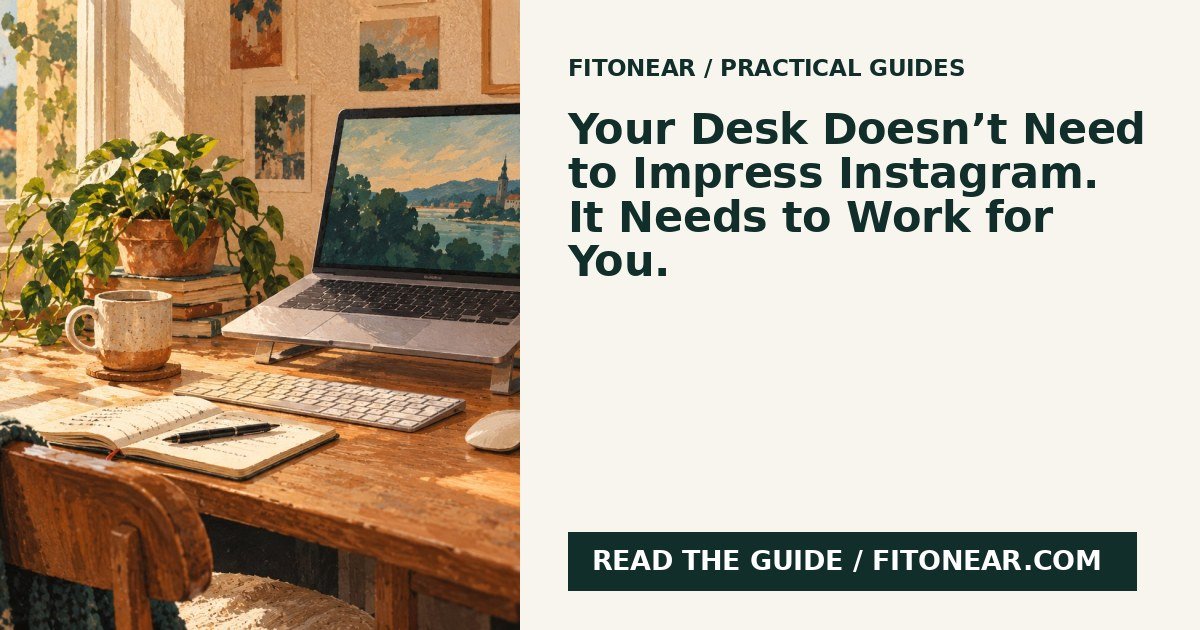
Prepared with AI assistance and edited for this FitOnear series. The featured illustration is AI-generated editorial artwork, not a product photograph or hands-on test. The checklist graphic is an original FitOnear layout.
Sources, scope and updates
This is an original FitOnear editorial exercise informed by OSHA computer-workstation guidance. The household examples are illustrative, not reader testimonials or measured results. AI-generated artwork is illustrative and does not document a tested product.
Reviewed October 31, 2026: clarified audience, limits, evidence and shopping purpose. No live product price or availability is asserted. Any optional Amazon search is a category search, not an exact-product recommendation or a current offer.
Continue the Real desks. Real lives. series
Get the Pinterest pin & social images
Ready-made graphics for this article: Pinterest 1000 × 1500; Facebook/X 1200 × 630. Download an image and add your own caption, or use the share buttons to open a composer.