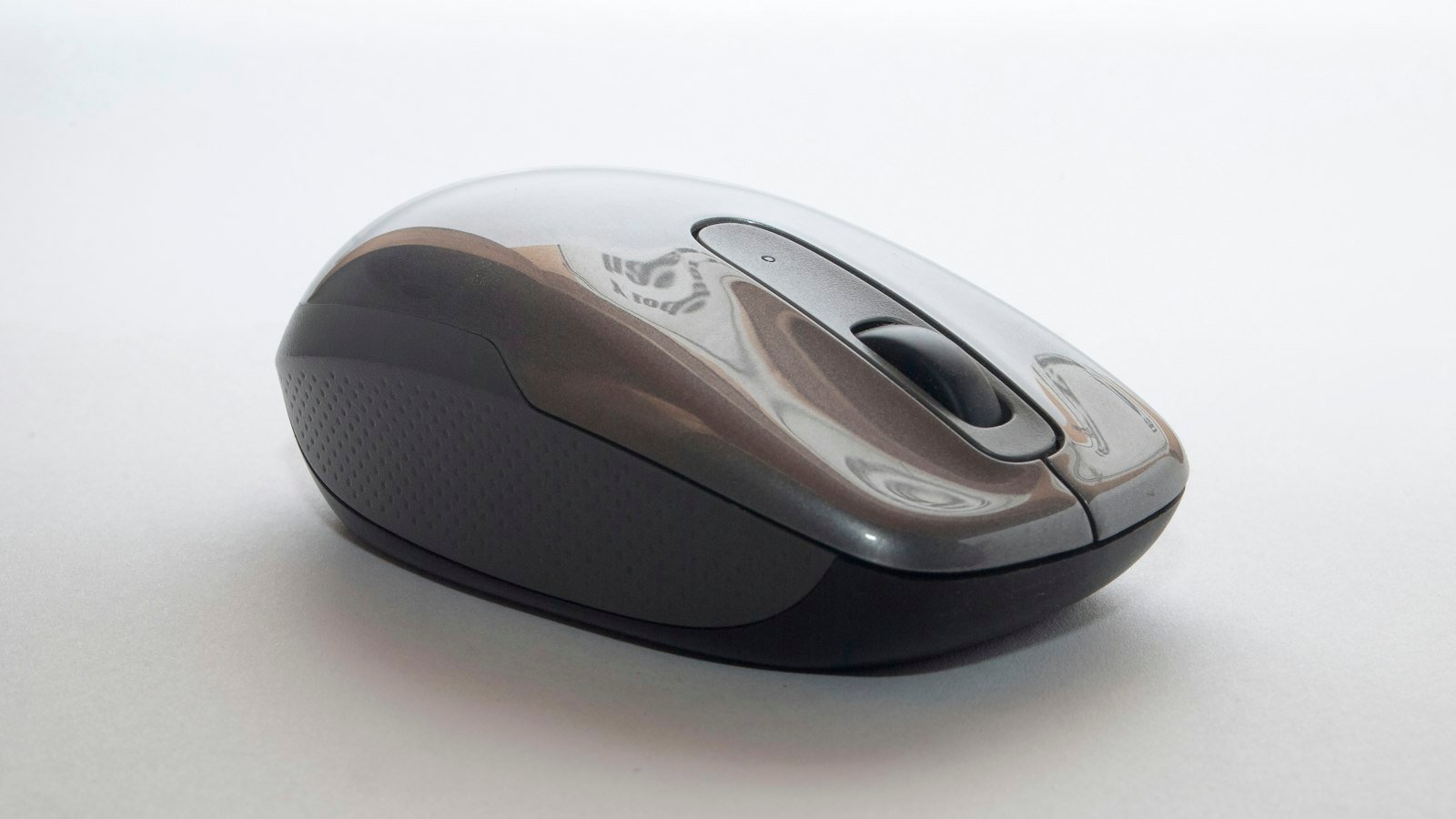
The MX Master 3S has been the default productivity mouse for years. Its successor, the MX Master 4, launched in late 2025 at $119.99 and keeps almost everything people liked, then adds one genuinely new idea: a haptic panel under your thumb.
Spec comparison
| MX Master 3S | MX Master 4 | Logitech Lift | |
|---|---|---|---|
| Shape | Sculpted, right-handed | Sculpted, right-handed, larger thumb rest | Vertical (57°), right- or left-handed versions |
| Sensor | 8,000 DPI, works on glass | 8,000 DPI | 4,000 DPI |
| Scroll wheel | MagSpeed electromagnetic | MagSpeed electromagnetic | SmartWheel |
| Haptics | No | Haptic Sense Panel + Actions Ring | No |
| Clicks | Quiet clicks | Quiet clicks | Quiet clicks |
| Battery | Rechargeable, up to 70 days, USB-C | Rechargeable, about 70 days | 1× AA, up to 24 months |
| Connection | Bluetooth or Logi Bolt USB-A receiver; 3 devices | Bluetooth or USB-C receiver | Bluetooth or Logi Bolt USB-A receiver |
| Best for | All-day work, value | Power users, creative apps | Wrist comfort, small–medium hands |
What’s new on the MX Master 4
- Haptic Sense Panel: a programmable spot under your thumb that gives a small “click” feel, with haptic support in apps like Photoshop and Lightroom.
- Actions Ring: pressing the panel opens a circular menu of shortcuts you set up in Logi Options+.
- Sturdier body with a more stain-resistant coating, a bigger thumb rest and a relocated gesture button.
- USB-C receiver and a new antenna for a more reliable wireless connection, handy with USB-C-only laptops.
What didn’t change: the 8,000 DPI sensor, the fast scroll wheel and the roughly 70-day battery. Reviewers point out that few apps use the haptics yet, so for many people the day-to-day feel is very close to the 3S.
Which should you buy?
Best if you use creative apps, want the Actions Ring shortcuts, or have a USB-C-only laptop.
See MX Master 4 on AmazonThe same sensor, wheel and battery. If it’s discounted, it’s the smarter buy for most people.
See MX Master 3S on AmazonA vertical design that keeps your forearm in a handshake position. Built for small to medium hands, with a left-handed version.
See Logitech Lift on AmazonFrequently asked questions
Is the MX Master 4 worth it over the 3S?
For 3S owners, usually not, since the sensor, scroll wheel and battery are the same. For new buyers it’s worth it if the price gap is small or you want haptics and a USB-C receiver.
Does the MX Master 4 work for left-handed people?
No. Like the 3S, it’s right-handed only. Left-handed users should consider the left-handed Logitech Lift.
How long does the MX Master 4 battery last?
About 70 days on a full charge, the same as the MX Master 3S.
Is the Logitech Lift better for wrist pain?
It’s designed for it: the 57° vertical angle keeps your forearm in a more natural position. It suits small to medium hands best.